



Top 10 Touchscreen Kiosk Software for Fast, Self-Service Visitor Registration

Top 10 Touchscreen Kiosk Software for Fast, Self-Service Visitor Registration
Touchscreen kiosk software has become a key part of how modern offices, clinics, and public service centers manage visitor check-ins. Instead of long lines, paper logs, or crowded reception desks, self-service kiosks let visitors register themselves quickly and safely.
These systems speed up entry, reduce staff workload, and improve overall flow, especially in high-traffic environments. From healthcare facilities to government buildings and corporate offices, touchscreen kiosks help create a smoother first impression.
In this blog, we’ll look at the top touchscreen kiosk software options that support fast, reliable, and user-friendly visitor registration.
10 Best Touchscreen Kiosk Software for Self-Service Check-Ins
These touchscreen kiosk tools help offices, clinics, and public service locations replace manual reception work with fast, self-service visitor registration. They’re built to reduce queues, improve flow, and give staff better visibility into who’s waiting and what’s happening on-site.
1. Qminder

Qminder is a cloud-based touchscreen kiosk system designed to make visitor registration fast, clear, and frustration-free. As one of the top visitor kiosks like Qminder, it works especially well for clinics, government offices, and service centers that deal with steady or high foot traffic. Visitors can check in using a touchscreen kiosk, their phone, or a web link before arriving, then receive live updates about their place in line so waiting feels more predictable and organized.
Behind the scenes, staff get a real-time view of arrivals, wait times, and service progress across one or multiple locations. With strong analytics and flexible workflows, Qminder helps teams improve service speed while keeping lobbies calm and controlled.
Key Features:
- Touchscreen kiosk, mobile, and browser-based self check-ins for flexible visitor registration
- Real-time SMS or app notifications that keep visitors informed about queue progress
- Central dashboard to manage queues across multiple locations or service counters
- Built-in tracking for wait times and service duration to identify delays
- Custom reports that highlight bottlenecks and performance trends
- Integrations with existing scheduling, CRM, and internal systems
Pros:
- Easy for visitors to use with minimal instructions
- Reporting and insights support smarter staffing decisions
- Scales smoothly for multi-location or high-volume environments
Cons:
- Feature set may be more than very small offices need
Pricing: 14-day free trial available. Paid plans start at $389/month.
2. Nemo-Q
Nemo-Q is a touchscreen kiosk and visitor management platform built for busy environments where visitor volume and movement can get complex. It’s commonly used in hospitals, government offices, and large campuses that need to handle both walk-ins and scheduled appointments without crowding waiting areas. Visitors can check in using a kiosk, scan a QR code, or use a mobile link, then receive live updates about where to go and how long the wait will be.
On the staff side, Nemo-Q provides real-time visibility into queues, service counters, and departments, making it easier to balance workloads and reduce bottlenecks. It’s a strong choice for organizations managing multiple entry points or service areas.
Key Features:
- Touchscreen kiosk, QR code, and mobile check-ins for flexible visitor registration
- Digital signage that shows queue numbers, wait times, and service directions
- Real-time SMS notifications to keep visitors informed throughout the wait
- Appointment scheduling that connects directly to active queues
- Feedback collection tools to track service quality and visitor experience
Pros:
- Handles both walk-in and appointment-based check-ins smoothly
- Well suited for multi-department or multi-counter setups
Cons:
- Staff may need onboarding to manage mixed visitor flows
- Custom signage and layouts take time to configure
Pricing: Plans start at $290/month.
3. Qtrac
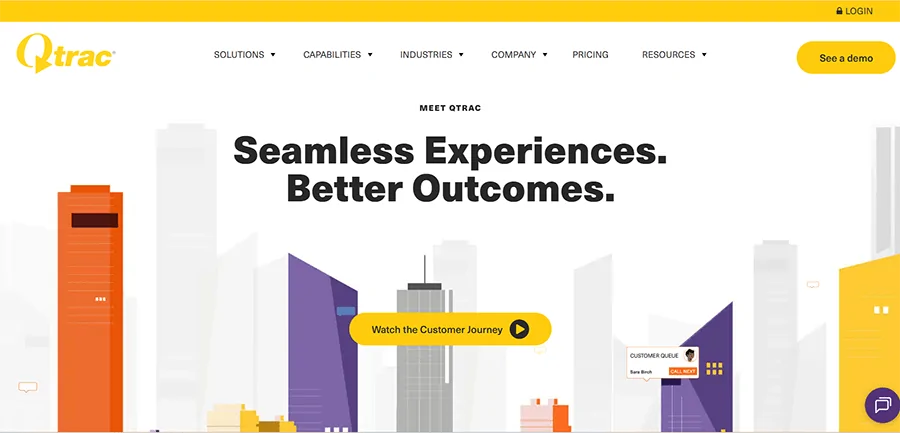
Qtrac is an enterprise-grade check-in and queue management platform built for large offices, campuses, and service centers that manage high visitor volumes every day. It supports walk-ins, scheduled visits, and virtual check-ins through kiosks, QR codes, or SMS links, allowing visitors to track their progress without crowding reception areas. The result is a more controlled, predictable, and safer visitor experience.
Qtrac stands out in multi-department environments where visitor flow is complex. With real-time dashboards and intelligent queue routing, staff can redirect visitors, balance workloads, and respond quickly when wait times increase, even during peak hours.
Key Features:
- Smart queue re-routing to move visitors between departments smoothly
- Real-time alerts when wait times exceed predefined thresholds
- Greeter mode for quick pre-screening and service assignment
- Offline mode to keep queues running during network interruptions
- Centralized dashboard for visibility across locations and entry points
Pros:
- Handles large-scale, high-traffic environments with ease
- Gives staff strong control over visitor flow and service prioritization
Cons:
- Greeter workflows require staff training
- Offline mode has limited syncing capabilities
Pricing: Custom pricing available on request.
4. Qmatic
Qmatic is a powerful cloud-based touchscreen kiosk and visitor check-in system built for high-traffic government environments such as DMVs, licensing offices, and permit centers. It supports both appointments and walk-ins through web or kiosk check-ins using QR codes or links. Once registered, visitors receive real-time updates on their turn via mobile notifications or digital displays, keeping lines orderly even during peak hours.
With virtual queuing and priority routing, Qmatic ensures urgent cases, seniors, and special-service visitors are handled faster. Its centralized dashboard and analytics give teams clear insight into wait times, service performance, and overall efficiency across multiple locations.
Key Features:
- Web or kiosk-based check-ins with instant virtual ticket creation
- Live queue tracking through mobile alerts and digital displays
- Priority routing for urgent or elderly visitors
- Centralized dashboards with performance analytics
- Integrations with DMV and municipal systems
Pros:
- Manages the full visitor journey from arrival to service completion
- Strong analytics for improving workflows and reducing wait times
Cons:
- Initial setup requires technical expertise
- Admin interface can be complex for non-technical teams
Pricing: Custom pricing available upon request.
5. Qwaiting
Qwaiting is a self-service touchscreen kiosk and virtual queuing platform built for DMVs, government offices, and busy public service centers. It lets visitors join queues through a kiosk, mobile phone, or web link, so people can check in remotely or on arrival. Live updates are sent through SMS, WhatsApp, or email, helping reduce lobby crowding and keep visitors informed throughout their wait.
With support for multiple branches and languages, Qwaiting works well for public agencies that handle high volumes and serve diverse communities on a daily basis.
Key Features:
- Appointment scheduling combined with virtual queue management
- Staff dashboard with call-forward and queue control tools
- Real-time queue information shown on custom digital screens
- Multi-language support with basic branding options
- Cloud-based system for managing multiple locations
Pros:
- Easy for staff and visitors to understand and use
- Live reports help track queues and improve service flow
Cons:
- Limited customization on lower-tier plans
- Mobile check-ins may slow down during peak periods
Pricing: Available on request.
6. Wavetec
Wavetec is a full-scale queuing and touchscreen kiosk solution designed for hospitals and large healthcare facilities with heavy daily foot traffic. It combines appointment scheduling, queue management, and patient feedback into one connected system. Patients can check in using kiosks, web booking, or WhatsApp, while digital signage keeps them informed throughout their visit. This helps hospitals reduce reception congestion and maintain visibility across the entire patient journey.
Wavetec is especially useful for organizations that want tighter control over patient flow while also measuring satisfaction and service quality at every step.
Key Features:
- WhatsApp-based booking and check-in for easier patient access
- Interactive digital signage showing live queue status and directions
- Post-visit feedback collection via SMS or WhatsApp
- Self-service kiosks for check-in, billing, printing, and information
- Dashboards highlighting wait times, service gaps, and satisfaction levels
Pros:
- Multiple check-in channels improve patient flow and accessibility
- Combines queuing, kiosks, and feedback in one platform
Cons:
- Kiosk deployment across departments requires coordination
- Feedback module setup can slow initial rollout
Pricing: Available on request.
7. Leyline
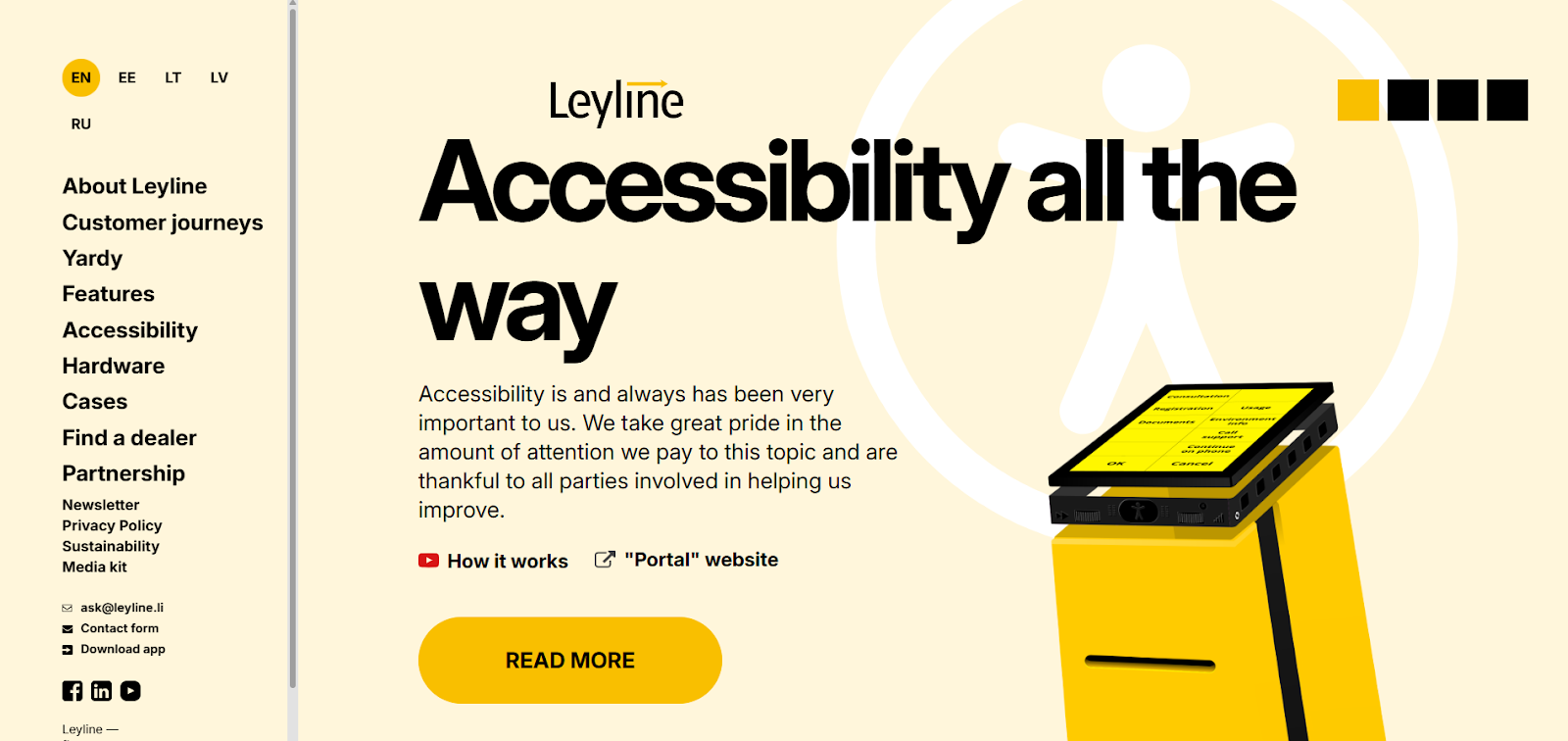
Leyline is a queuing and touchscreen kiosk platform built for hospitals and healthcare facilities that need better control over complex service flows. Patients can book appointments or join queues from their phones before arriving, then use branded kiosks on-site to check in and get directed to the right department. This reduces confusion, keeps waits predictable, and gives both staff and patients clear visibility throughout the visit.
Leyline works especially well in multi-department hospitals where patients move between services and need consistent updates at every step.
Key Features:
- One-ticket system that tracks the entire patient journey across departments
- Cloud-based setup with no local servers or infrastructure needed
- Kiosk and mobile check-in with live queue and status updates
- Custom alerts and reminders sent at each service stage
- Dashboards and analytics tailored by location or service line
Pros:
- Keeps queues organized even in complex hospital environments
- Supports both virtual and on-site queues in one system
Cons:
- Frequent updates may require small workflow adjustments
- Advanced signage customization can take time to configure
Pricing: Plans start at €80 per month.
8. Qnomy
Qnomy is a hospital-grade patient queuing and journey management platform designed for healthcare environments where coordination matters as much as speed. Instead of only managing lines, it supports the full patient flow from appointment booking to final service completion. Patients can check in using kiosks, mobile apps, or a virtual lobby, while staff route them based on urgency, service type, or staff availability.
This makes Qnomy especially effective for hospitals with multiple departments that need to work in sync without losing visibility.
Key Features:
- End-to-end patient flow management covering both front-office and back-office tasks
- Skill-based routing to match patients with the right staff or department
- Custom workflows aligned with hospital protocols and patient categories
- Multi-service appointment scheduling through a single patient portal
- Interaction tracking across kiosks, virtual visits, chat, and in-person touchpoints
Pros:
- Well suited for hospitals linking patient flow with internal operations
- Highly configurable workflows without heavy development work
Cons:
- Initial setup can take time for complex hospital environments
- Interface may feel complex for teams used to simpler queue systems
Pricing: Pricing is available on request.
9. Awebstar
Awebstar is a hospital-focused patient queuing system built for managing high visitor volumes across multiple departments without adding complexity. Patients can check in using QR codes or self-service kiosks, while SMS alerts and visible wait-time estimates keep them informed and reduce congestion in waiting areas. Both walk-ins and scheduled appointments are handled within the same system, so staff don’t have to juggle separate workflows.
The platform gives supervisors real-time insight into queue performance, helping hospitals balance workloads and improve patient flow across locations.
Key Features:
- QR-based check-ins with SMS alerts and multilingual support
- Cloud-based management for multiple branches and departments
- Custom token displays with counter mapping and live queue updates
- Post-visit feedback tools to capture patient satisfaction
- Real-time reports on staff activity, counters, and ticket volumes
Pros:
- Effective for hospitals with multiple entry points and service lines
- Live dashboards help supervisors plan and respond faster
Cons:
- Initial setup may require training for advanced admin and display features
- Kiosk and signage hardware may cost extra if not already available
Pricing: Pricing is available on request.
10. Qtip
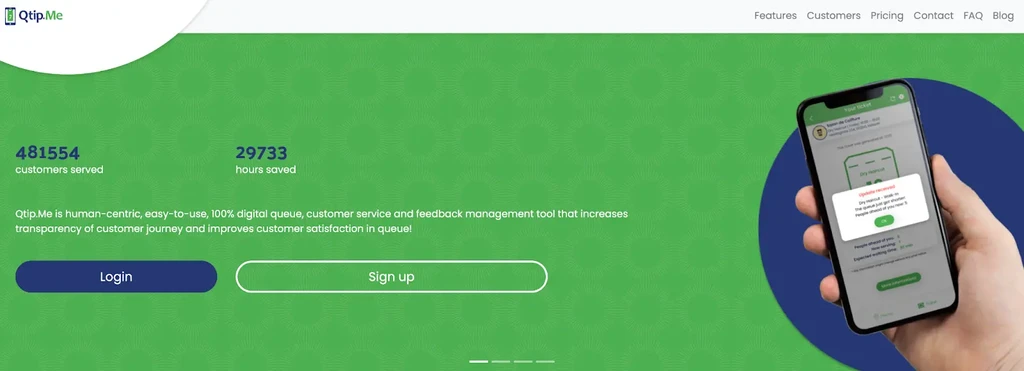
Qtip is a lightweight patient queuing solution built for small clinics that want better control over wait times without added complexity. Patients can join the queue from their phone, a web browser, or an in-clinic kiosk. Once checked in, they receive live updates on their position in line and when to return, helping keep waiting rooms calm and uncrowded.
It’s a practical choice for clinics that need fast setup and simple daily operation rather than advanced, multi-department workflows.
Key Features:
- Remote and on-site queue joining via mobile, browser, or kiosk
- Real-time SMS or app alerts as turns approach
- In-app feedback collection after service
- Runs on web or native app with minimal setup
- Offline support for basic queue tracking
Pros:
- Simple, efficient option for small clinics
- Supports remote waiting to reduce crowding
Cons:
- Free tier limits tickets and staff access
- Not suited for large hospitals with complex service flows
Pricing: Plans start at €79 per month.
Conclusion
Touchscreen kiosk software has become a core part of fast, self-service visitor registration. The right tool can reduce front-desk pressure, shorten wait times, and give visitors a clearer, more relaxed experience from the moment they arrive.
Whether you manage a small clinic, a busy government office, or a large hospital, choosing software that fits your traffic volume and service flow matters more than feature count.
Focus on ease of use, real-time updates, and reporting that actually helps staff make better decisions. When implemented well, kiosks do more than register visitors. They improve the entire service journey.
FAQs
What is a touchscreen visitor kiosk, and why choose it over traditional paper logs or manual check-in?
A touchscreen visitor kiosk lets guests check in digitally instead of signing paper logs or waiting at a desk. It’s faster, more accurate, and reduces front-desk workload while keeping visitor records organized and searchable.
Can visitors pre-register online and still check in via kiosk when they arrive?
Yes. Most kiosk systems support online pre-registration. Visitors can confirm their arrival at the kiosk using a QR code, phone number, or name, which speeds up check-in.
How secure is the data captured during kiosk check-in (visitor info, history, compliance)?
Visitor data is typically encrypted, access-controlled, and stored securely in the cloud. Many systems also include audit logs and compliance features for privacy and regulatory needs.
Does the system support multiple service lines, languages, and customizable sign-in flows?
Yes. Modern kiosk systems handle multiple queues or service lines, support multiple languages, and allow customized sign-in steps based on visitor type or service.
Was this news helpful?
 Yes, great stuff!
 I’m not sure
 No, doesn’t relate



