



Using Bundle Builders to Increase Shopify Sales

Using Bundle Builders to Increase Shopify Sales
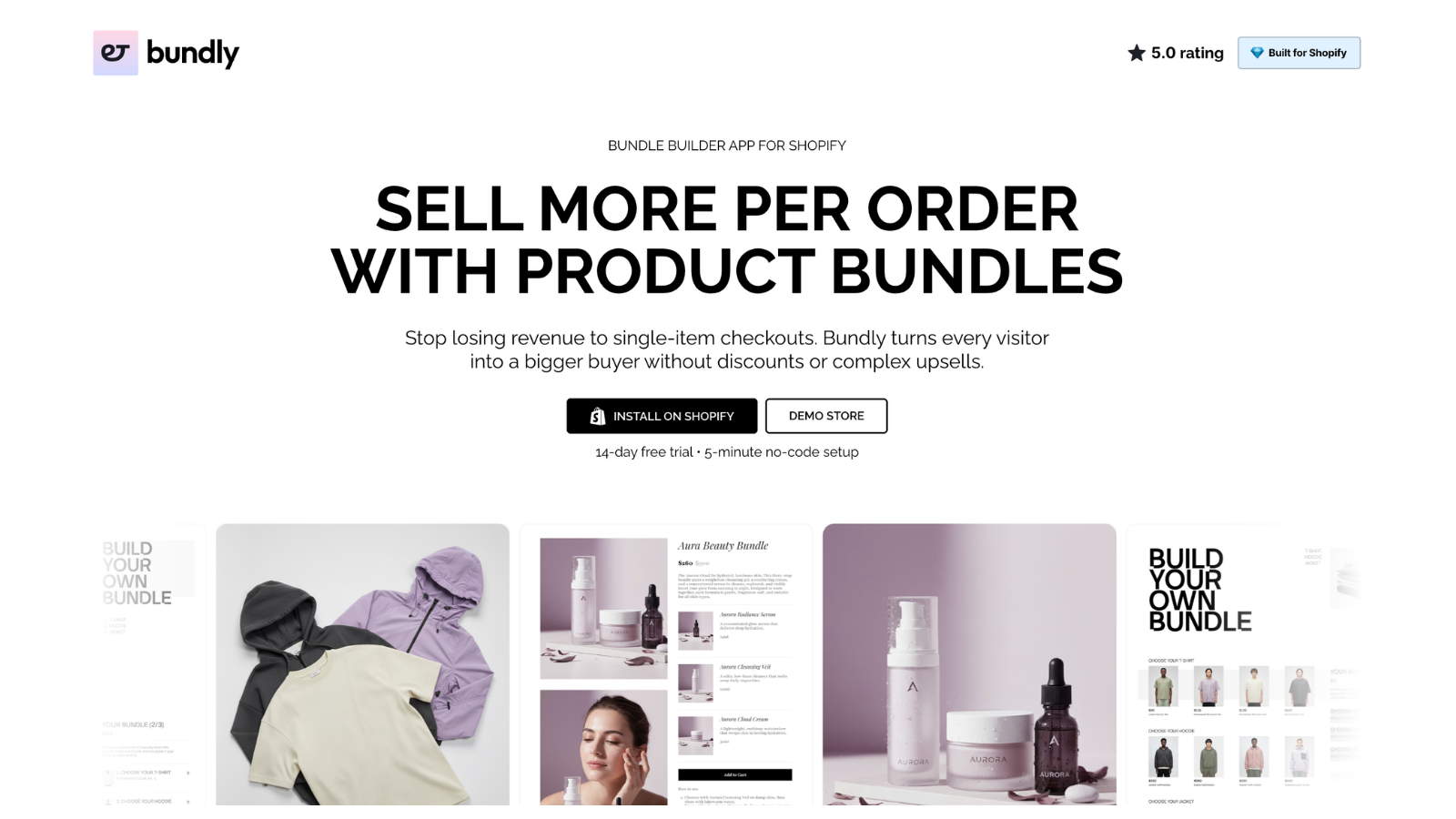
Bundle builders help Shopify merchants increase average order value and customer satisfaction by allowing customers to create custom product groupings on the site, often previewing instant savings in the process․
Why Bundle Builders Boost Sales
Consumers appreciate the ability to self-build kits, such as skincare routines or tech accessories․
Retailers benefit from larger shopping carts and faster product lifecycles․
Bundles address pain points like decision fatigue and guide customers, while providing them with a higher perceived value․
Retailers see 20-30% increases in order values without additional marketing spend․
To unlock this potential early, merchants can set up custom bundle builder on Shopify through intuitive app interfaces or theme tweaks.
This foundational step ensures seamless integration from day one.
Core Types of Bundles
Different bundle formats suit various store niches and goals.
| Type | Description | Best For |
| Fixed Bundles | Pre-assembled products at a fixed price. | Gift sets or starter kits. |
| Mix-and-Match | Shoppers pick from predefined categories. | Clothing outfits or meal plans. |
| Quantity Breaks | Discounts grow with added items. | Bulk apparel or supplies. |
| Build-a-Box | Step-by-step item selection. | Subscription services. |
| Add-Ons | Suggested extras during checkout. | Accessories with core products. |
Each type balances simplicity and customization to match buyer preferences.
Planning Your Bundle Strategy
Once sales data identifies natural pairings (e․g․, shirts with matching belts), merchandise can be grouped into themes such as essentials, upgrades, clearance, and holiday specials․
Limit bundles to 3-7 products per category․
Test event-related bundles (travel essentials, holiday prep packs) to see what appeals to your customers most․
Start with 2-3 bundles on your product pages that see the most traffic, and gather feedback before a site-wide launch․
Step-by-Step Setup Guide
Step 1: Choose Your Approach
For simple up-sells, you can simply navigate to your store’s product admin to group products․
For dynamic options, you can use a bundle app like bundly․app․
Stratify ecommerce categories, such as “tops” or “bottoms” for a clothing retailer, and limit selections with a minimum and maximum number of items․
Step 2: Configure Rules and Pricing
A good alternative to flat percentage discounts is tiered discounts: 10% off three items, 20% off five or more․
Use percentage discounts for higher-margin items, fixed discounts for lower-margin items․
Real-time price calculators give shoppers a sense of discount as they shop, and linking to live inventory prevents overselling of products․
Step 3: Customize the Experience
You can use your own brand colors and fonts to style the builder, add high-res images, and display them in grids or sliders․
For multi-step builders, use progress indicators, like “Step 2 of 3: Choose Accessories”․
For savings, use bold badges like “Save X%”․
Optimizing Bundle Placement
Planned placement, such as “Frequently Bought Together” on product pages, can increase visibility․
They are used for upsells on the homepage carousels, category landings, and cart pages․
Show high-value offers post-purchase, and run weekly A/B tests to find the most effective spot for them․
Design Best Practices
Design with mobile first in mind, since mobile accounts for most website visits․
Use large, touch-friendly buttons and swipable previews․
Feature savings when relevant and use short texts or statements to add urgency․
Provide clear CTAs (e․g․, “Build Your Bundle”)․
Limit clutter to 4-6 thumbnails per category, and lazy-load images to save system resources․
Driving Conversions with Discounts
Smart pricing converts browsers into buyers․
Volume tiers entice multiple purchases without eroding margins․
Dynamic pricing for different quantities, deeper discounts for unsold merchandise, and exclusive bundle purchases generate interest
Test different bundle sizes for free shipping thresholds to drive lift․
Tracking and Iteration
Track bundle add-to-cart rate, average order value of a bundle, and contribution of bundles to revenue․
Compare conversion rates of bundle pages to regular pages․
Discard losers, promote winners․
Run seasonal audits․
From those tools, find the best combos to continue tweaking․
Advanced Tactics for Growth
Combine with AI suggestions and customer bundles for loyal shoppers․
Automate seasonal updates like swapping summer clothes for winter gear․
Introduce multi-step flows for more personalization and engagement, and to enable integration with loyalty programs to earn more points․
We prioritize speed and load bundles efficiently without impacting page performance․
Seasonal and Event Strategies
Bundles with calendars․ Back-to-school items, notebooks, and pens for school․
Holidays: gift-ready kits․
Scarcity creates urgency (limited-time drops), while clearance bundles get rid of remaining odds-and-ends․
Post-competition pairings are like workout clothes after a fitness challenge․
Avoiding Common Mistakes
Limit choices to 10 per category, as too many choices may overwhelm․
Synchronize inventory so players can share․
Static setups miss trends; rotate quarterly․
Mobile glitches kill sales․
Test rigorously․
Over-discounting will hurt your bottom line․
Always estimate net benefits․
Measuring Long-Term Impact
Bundles should bring in 15-25% of revenue․
Monitor repeat purchase rates for customers who bought them․
ROI is most effective when AOV increases, but ad spend does not․
Benchmarks should also be used․
Future-Proofing Your Bundles
Including sustainable products such as environmentally sustainable kits․
Improved APIs have led to code-free expansions․
As shopper data deepens, personalization edges grow, with dedicated adopters reporting 20%-plus returns․
Bundles create local value hubs, introducing spread iterations for compounding, non-linear value gains․
Was this news helpful?
 Yes, great stuff!
 I’m not sure
 No, doesn’t relate



