

The Local Business Owner’s Guide to No-Code Website Builders in 2026

The Local Business Owner's Guide to No-Code Website Builders in 2026
Local businesses cannot afford to have a bad website in 2026. Most customers search online before they walk through the door, and a website that looks outdated, loads slowly, or is hard to navigate on a phone costs real business before you even get a chance to make your case.
The problem is that most website builder comparisons are written for general small businesses, not for a salon owner in the suburbs, a plumber running a one-person operation, or a fitness studio trying to fill morning classes.
We scored 7 website builders on 5 criteria that matter specifically to local businesses. No coding was used at any point in our testing. Here is what the data showed.
How We Scored Each Platform
Before diving into the results, here is the criteria we used to evaluate each one.
| Criterion | Weight | Why It Matters for Local Businesses |
| Local SEO Support | 20% | Local businesses live and die by search visibility. A platform that does not support basic local SEO is a liability from day one. |
| Mobile Performance | 20% | The majority of local searches occur on mobile devices. A site that does not perform well on a phone loses customers before they read a single word. |
| Ease of Use | 20% | Local business owners are not web designers. A platform that requires technical skill to operate is not a realistic option for most. |
| Contact and Booking Tools | 20% | Getting customers to call, book, or inquire is the primary job of a local business website. Built-in tools for this matter more here than anywhere else. |
| Speed to Launch | 20% | Time spent building a website is time not spent running the business. Faster setup directly translates into lower opportunity cost. |
The Results
Each criterion is scored out of 20, giving a total score out of 100. All five criteria carry equal weight.
| Platform | Local SEO (20%) | Mobile (20%) | Ease of Use (20%) | Contact & Booking (20%) | Speed to Launch (20%) | Total Score |
| Design.com | 18 | 18 | 20 | 16 | 20 | 92 |
| BrandCrowd | 16 | 18 | 18 | 16 | 18 | 86 |
| Webador | 14 | 16 | 18 | 14 | 16 | 78 |
| Strikingly | 12 | 18 | 18 | 12 | 18 | 78 |
| Site123 | 14 | 16 | 16 | 14 | 16 | 76 |
| Mozello | 12 | 14 | 16 | 12 | 14 | 68 |
| Ucraft | 12 | 14 | 14 | 12 | 12 | 64 |
Score Breakdown
#1 Design.com — Total Score: 92/100

Why It Scored Highest
Design.com scored at or near the top on every criterion we measured. The combination of a purpose-built AI generation engine, a fully integrated brand ecosystem, and a setup process that requires zero technical knowledge made it the clear leader for local businesses.
Criterion-by-Criterion Breakdown
- Local SEO Support — 9/10
Page titles, meta descriptions, and clean URL structures are handled automatically. The platform generates industry-specific content, already structured for search engines to read, giving local businesses a built-in SEO foundation without any manual input.
- Mobile Performance — 9/10
Every website generated by Design.com is automatically optimized for mobile, tablet, and desktop simultaneously. Across multiple generated layouts, we found no meaningful degradation in load speed or visual quality between screen sizes.
- Ease of Use — 10/10
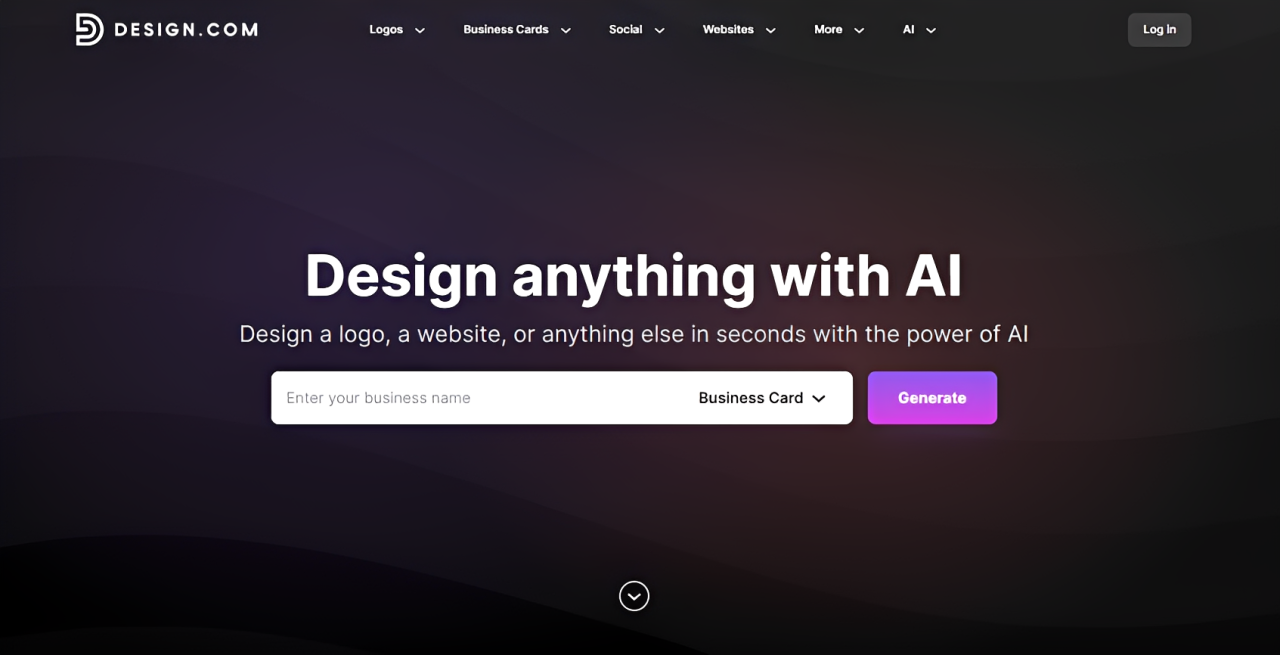
Design.com’s AI website builder eliminates the blank-canvas problem entirely. You enter your business name and a few keywords, and the platform generates a fully designed, ready-to-edit website in under a minute. No layout decisions, no template hunting, no design skills required.
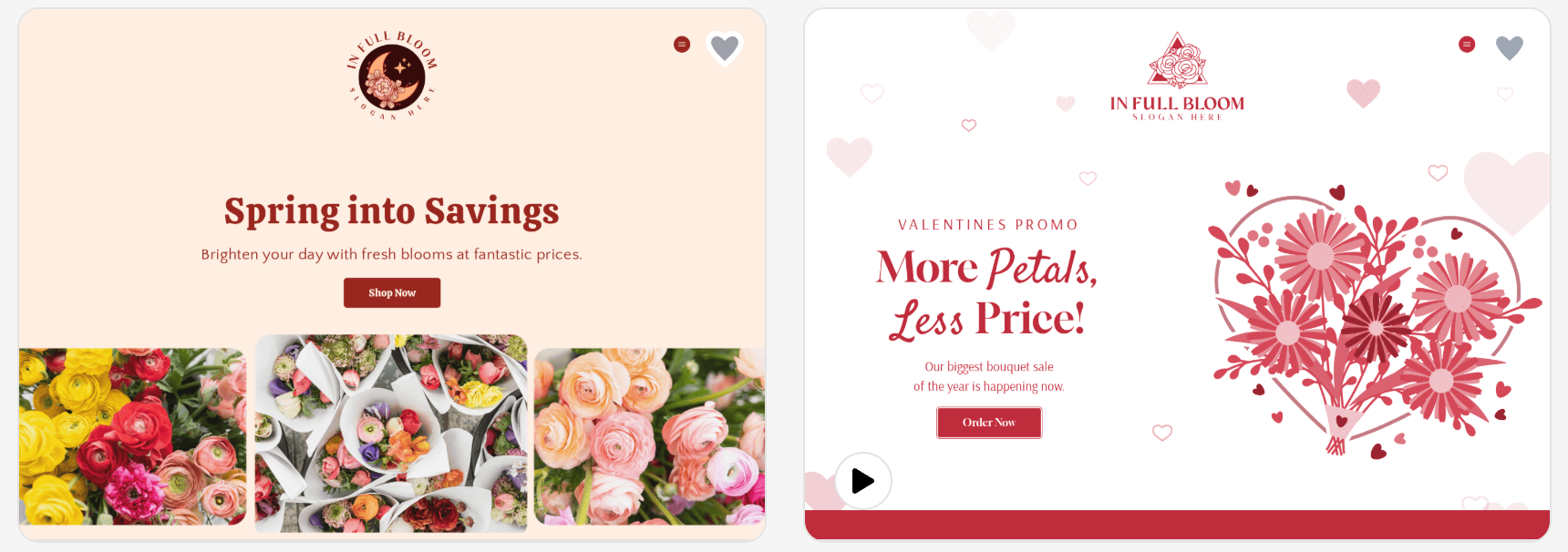
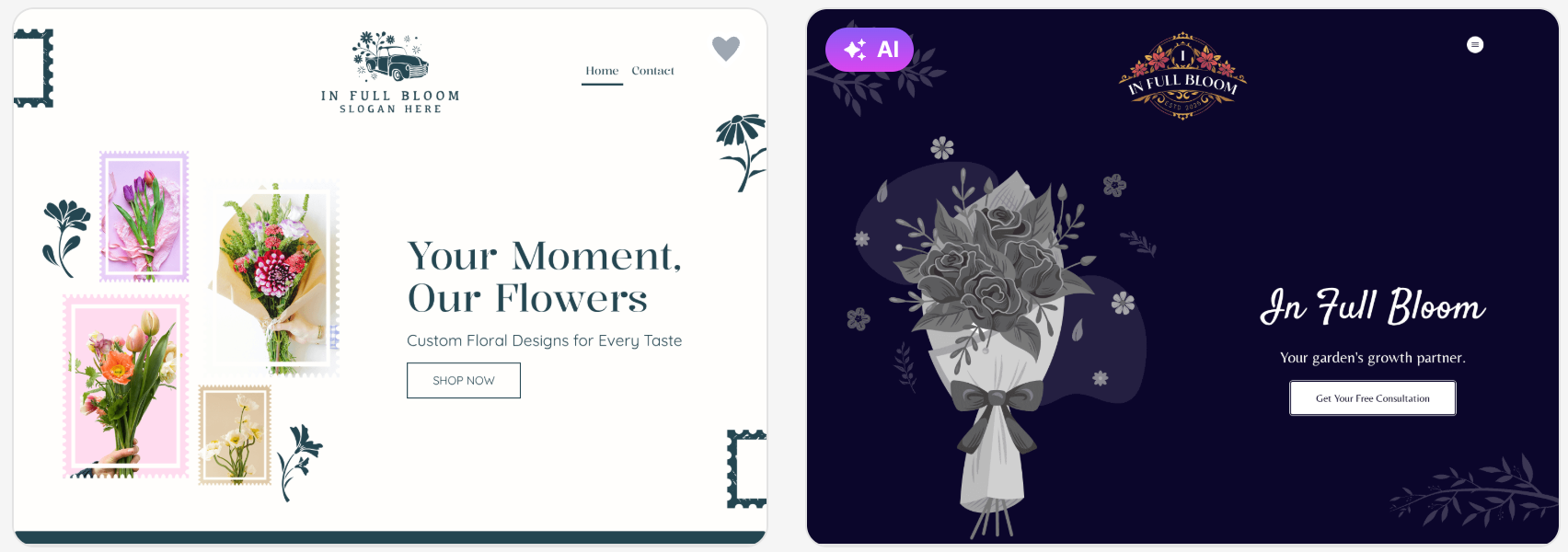
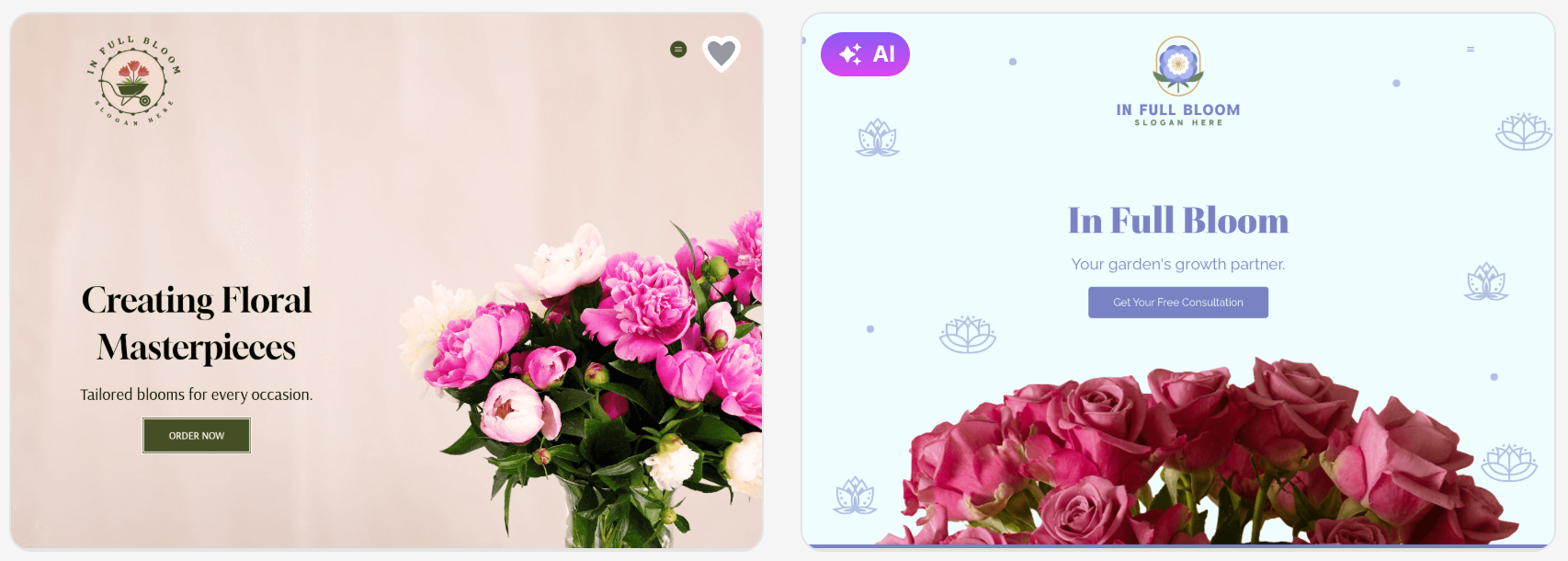
Once you confirm your business name and input some keywords, Design.com immediately generates thousands of website layouts you can customize and use.
Here are some sample homepages that Design.com created for a local florist’s website:
- Contact and Booking Tools — 8/10
Contact forms are built in and functional, with no setup required. The platform does not have a native booking system, so local businesses that rely heavily on appointment booking will need a third-party integration.
- Speed to Launch — 10/10
From account creation to a fully designed, customizable homepage, Design.com took under two minutes in our testing. No other platform on this list came close.
Plan Breakdown
Design.com lets you build and customize up to 3 pages before spending anything, enough for a homepage, an about page, and a contact page.
When you are ready to upgrade, here is what the paid plans look like:
| Plan | Price | What You Get |
| Premium Monthly | $9/month | Full publishing, premium templates, branding ecosystem, and custom domain |
| Premium Annual | $6/month (billed annually) | Everything in Premium Monthly at a 33% discount |
Verdict
Design.com is the strongest website builder on this list for local businesses that need to get online fast and look credible without any technical knowledge. A score of 92 out of 100 reflects a platform built for exactly this use case.
#2 BrandCrowd — Total Score: 86/100
Why It Scored Second
BrandCrowd scored within two points of Design.com on most criteria and ahead of every other platform on the list by a significant margin. Where it sits behind Design.com is in its depth of AI generation and the absence of a native booking tool. Where it leads every other competitor is in brand cohesion across a local business’s full set of customer-facing materials.
Criterion-by-Criterion Breakdown
- Local SEO Support — 8/10
Pages are structured cleanly, and the platform covers the on-page SEO elements that underpin local search visibility. It does not go as deep as Design.com in automated SEO setup, but it handles the essentials without requiring user technical input.
- Mobile Performance — 9/10
Every template on BrandCrowd’s website builder is mobile-optimized by default. Across layouts and device sizes, performance and visual quality remained consistent.
- Ease of Use — 9/10
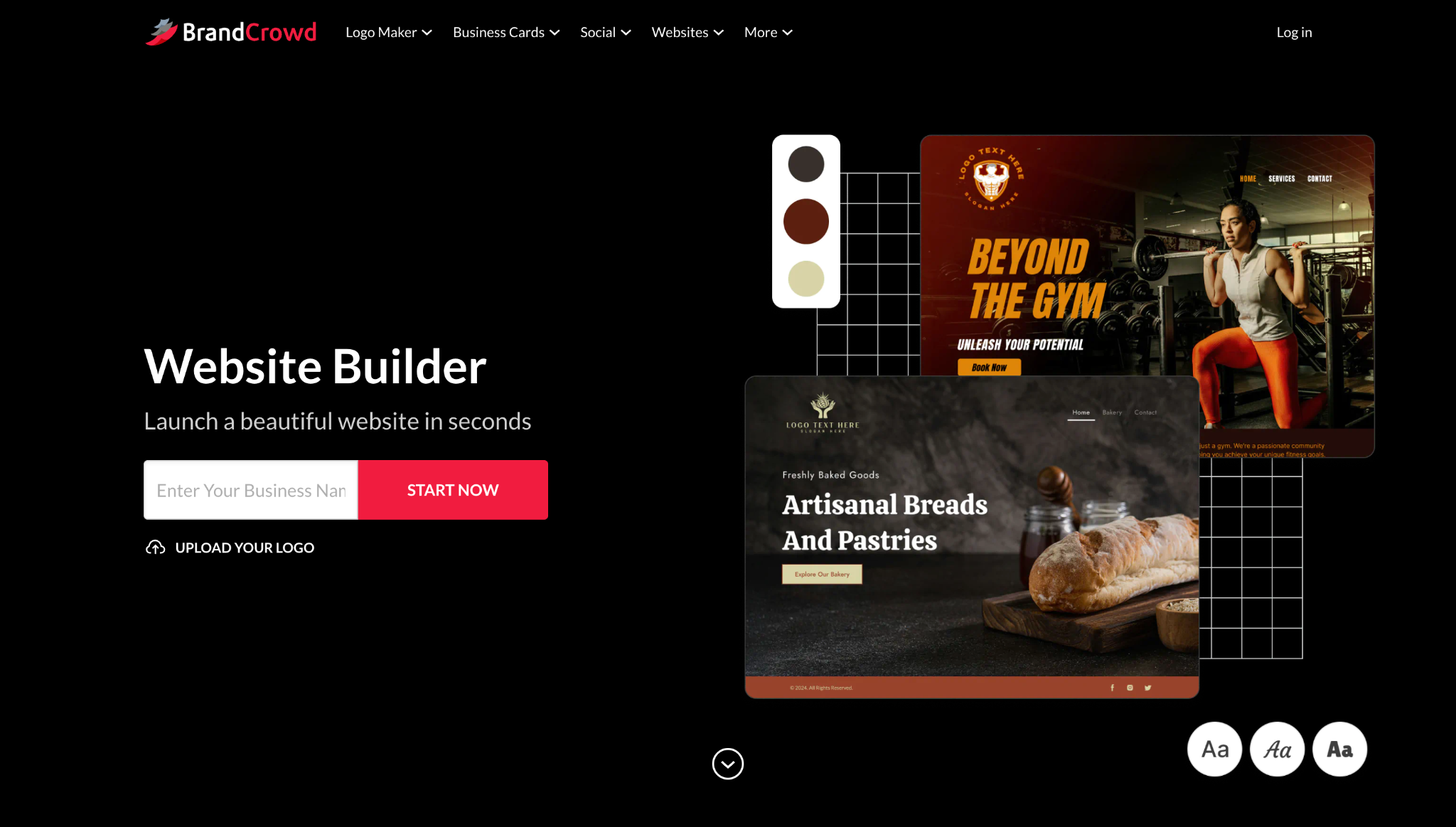
The workflow moves logically from business name to industry selection to a set of ready-to-edit layouts. The visual editor is clean and requires no coding.
- Contact and Booking Tools — 8/10
Contact forms, lead capture tools, and social media link integration are all built in. Like Design.com, BrandCrowd does not currently offer a native booking system.
- Speed to Launch — 9/10
From account creation to a customizable layout, the process took less than 3 minutes. The guided workflow keeps momentum through each step without overwhelming the user with decisions.
Plan Breakdown
BrandCrowd’s entry plan includes hosting, up to 3 pages, a contact form, video embedding, and map integration before you pay a cent.
When you are ready to scale, here is what the paid plans look like:
| Plan | Price | What You Get |
| Monthly Plan | $9/month | Unlimited pages, custom domain, full editor, email capture, image gallery, payment acceptance, 24/7 support |
| Annual Plan | $6/month (billed annually) | All Monthly Plan features at a lower rate |
Verdict
BrandCrowd is the strongest option for local businesses building a complete brand identity alongside their website. The unified workflow connecting logos, website, and marketing assets is purpose-built for that use case, and a score of 86 out of 100 reflects consistent delivery across every criterion that matters to local businesses.
#3 Webador — Total Score: 78/100
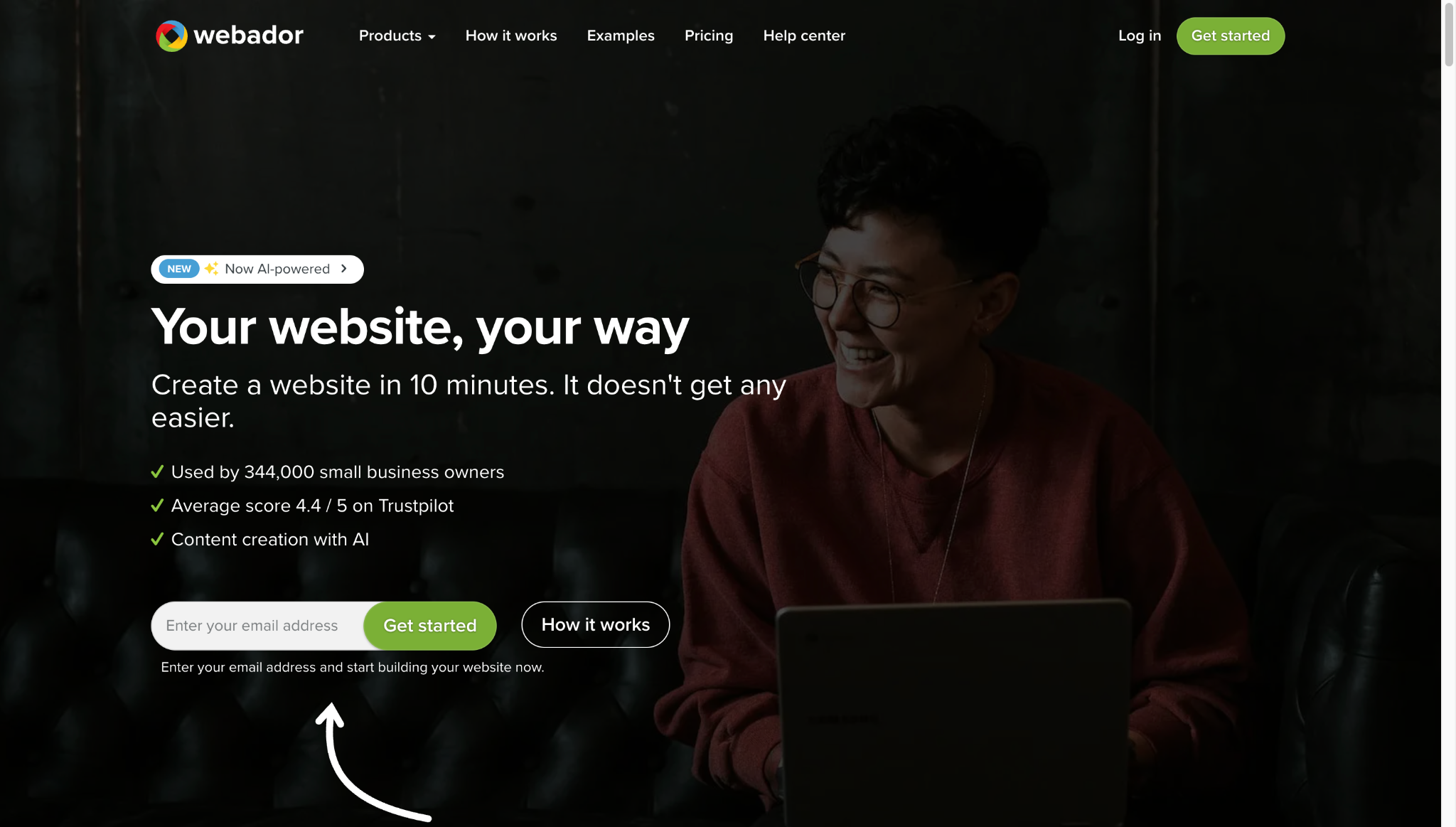
Why It Scored Here
Webador scored well on ease of use and mobile performance, and its setup process is one of the most straightforward we tested. What keeps it out of the top two is a shallower feature set across local SEO and contact tools.
Where It Works for Local Businesses
Webador’s editor is clean and minimal, with no overwhelming menus or unnecessary decisions. You pick a template, fill in your content, and publish. The platform handles basic local business needs, including a contact page, business hours, and a location section without any technical input.
Where It Falls Short
There are no meaningful AI features, the template selection is smaller than most competitors, the local SEO tools are basic, and there is no native booking functionality. The platform also lacks the brand integration that Design.com and BrandCrowd provide.
Webador’s pricing is among the most affordable on this list:
| Plan | Price | What You Get |
| Free | $0 | Webador subdomain, basic pages, limited features |
| Basic | ~$4/month (billed annually) | Custom domain, no ads, unlimited pages |
| Expert | ~$8/month (billed annually) | Online store, priority support, advanced features |
Verdict
Webador works for local businesses that want the simplest possible setup and do not need AI tools, booking functionality, or brand integration. For anything beyond a basic web presence, Design.com and BrandCrowd offer significantly more value at a comparable price.
#4 Strikingly — Total Score: 78/100
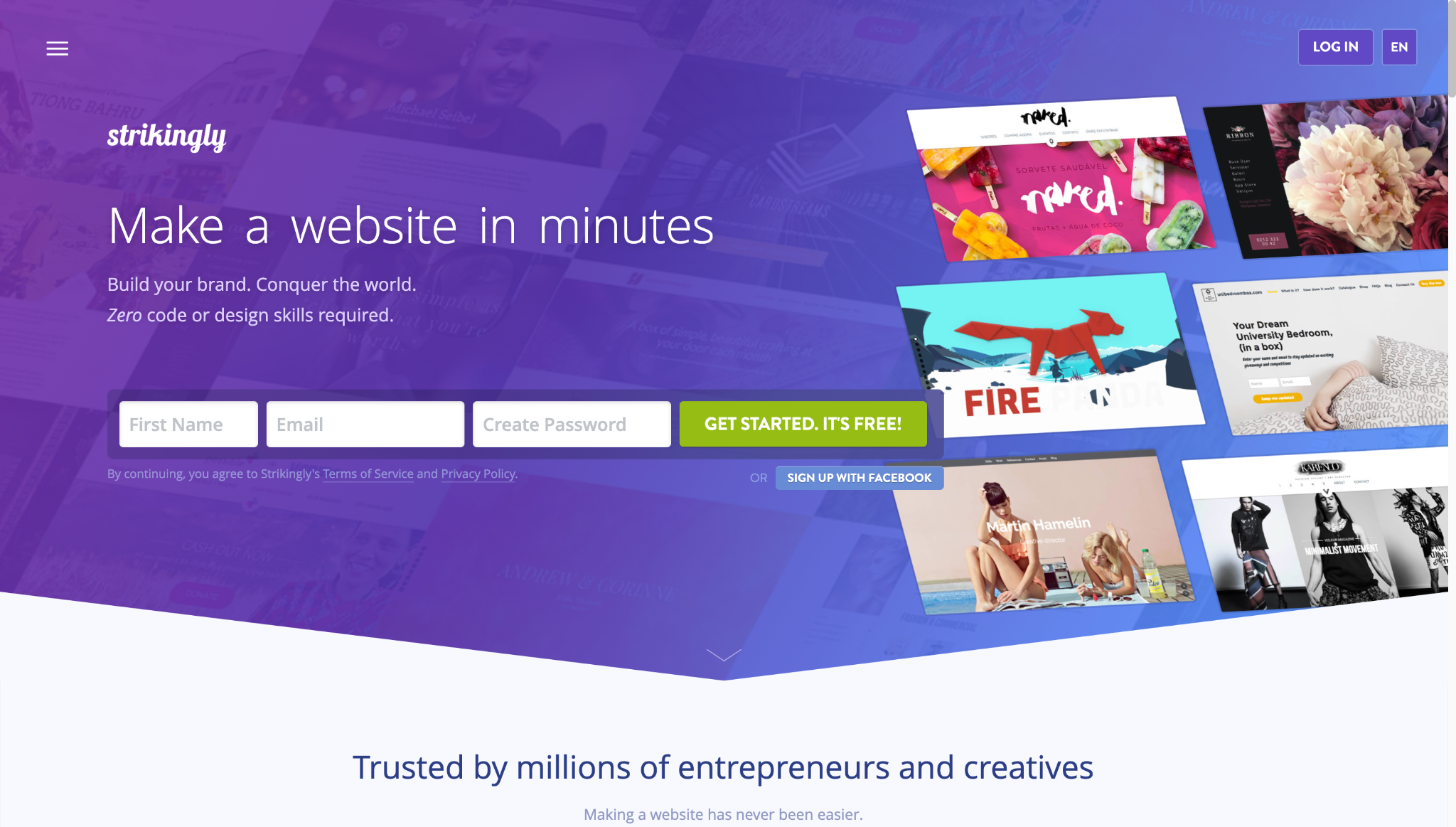
Why It Scored Here
Strikingly tied Webador on overall score but for different reasons. Strong mobile performance and ease of use reflect its core strength as a single-page website builder. Local SEO support and contact tools are where it loses ground.
Where It Works for Local Businesses
The single-page format works well for certain local businesses. A pop-up shop, a solo service provider, or an event space that needs a clean landing page with a contact form and location information can get that done on Strikingly quickly. The mobile output is strong, and the editor is intuitive.
Where It Falls Short
The single-page format limits businesses that need more than a landing page. Multi-page websites are available on paid plans, but feel secondary to the platform’s core design. Local SEO tools are minimal, there is no booking functionality, and the infrastructure for ranking in local search results is not there.
Here is how Strikingly pricing breaks down:
| Plan | Price | What You Get |
| Free | $0 | Strikingly subdomain, 1 site, limited features |
| Limited | ~$8/month (billed annually) | Custom domain, 1 site, basic features |
| Pro | ~$16/month (billed annually) | Unlimited sites, full features, and ecommerce |
| VIP | ~$49/month (billed annually) | Priority support, advanced ecommerce, dedicated manager |
Verdict
Strikingly is the right tool for local businesses that need a single, clean page online quickly. For businesses that need multi-page sites, strong local SEO, or booking tools, it is not the right fit.
#5 Site123 — Total Score: 76/100
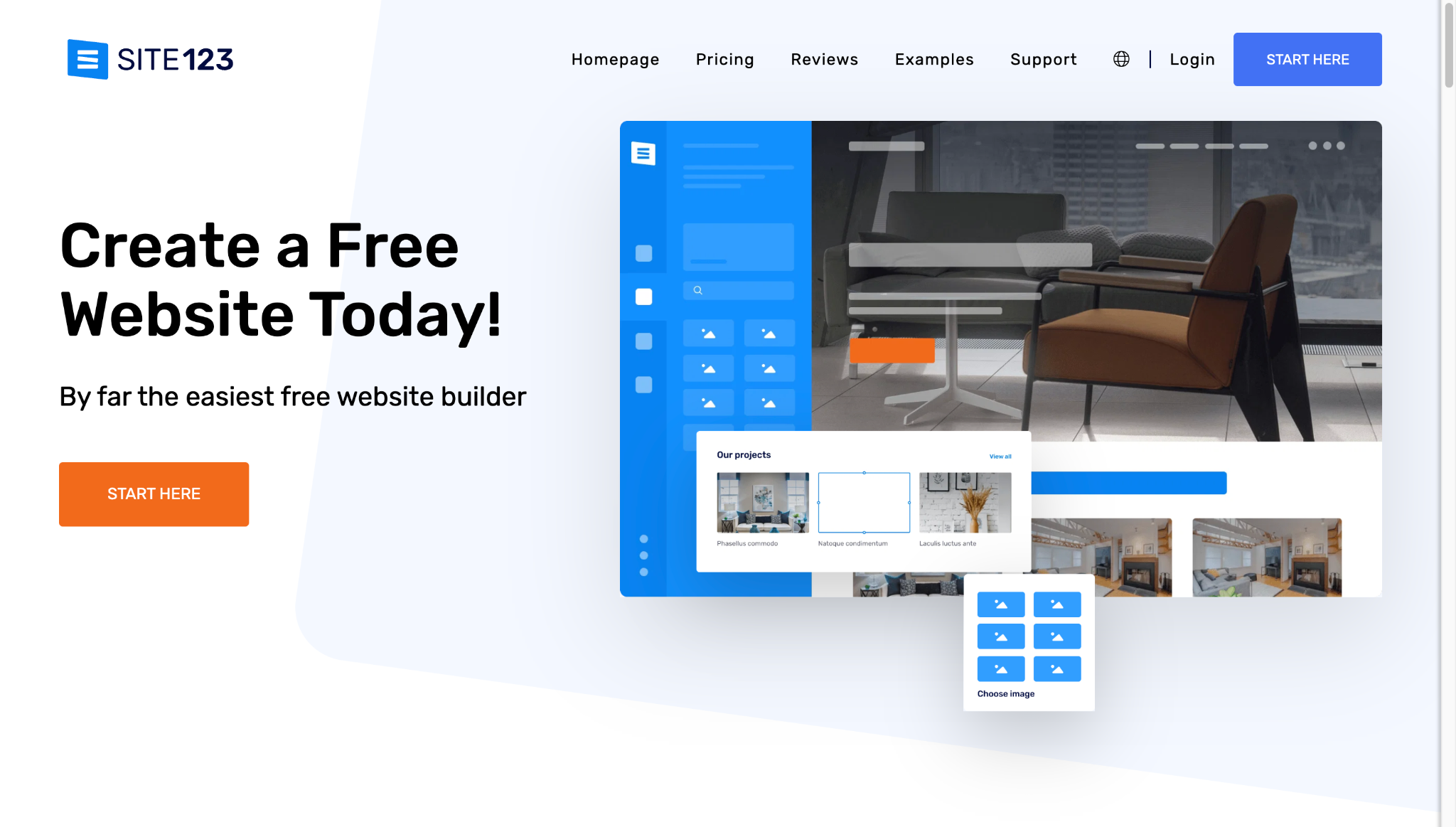
Why It Scored Here
Site123 performs consistently across all five criteria without excelling in any single one. The guided, step-by-step setup experience makes it one of the more accessible options for first-time website builders.
Where It Works for Local Businesses
Every step is explained, and every decision is simplified. For a local business owner who finds the idea of building a website genuinely intimidating, Site123 reduces that friction more deliberately than most other platforms. Contact forms, location pages, business hours, and basic SEO fields are all included without requiring technical knowledge.
Where It Falls Short
The templates are functional but dated, customization options are limited, and there are no meaningful AI features. The free plan places Site123 branding on your site and restricts you to a subdomain. The platform also does not scale well for businesses with more complex needs down the line.
Site123 pricing breaks down as follows:
| Plan | Price | What You Get |
| Free | $0 | Site123 subdomain, platform branding on site, limited storage |
| Basic | ~$12/month (billed annually) | Custom domain, no ads, 10GB storage |
| Advanced | ~$20/month (billed annually) | More storage, ecommerce tools, priority support |
Verdict
Site123 suits local business owners who need the most guided setup experience available and are not prioritizing design quality or AI tools. For businesses that want to look polished and competitive, the top two platforms on this list are a better investment.
#6 Mozello — Total Score: 68/100
Why It Scored Here
Mozello’s scores across local SEO, contact tools, and mobile performance reflect a platform with a narrow feature set. One genuine differentiator is built-in multilingual support, which most website builders do not offer at any plan level.
Where It Works for Local Businesses
Multilingual support is built in from the free plan, which is rare in this category. For local businesses serving communities where customers speak more than one language, Mozello handles that without plugins or technical setup.
Where It Falls Short
Outside of the multilingual feature, Mozello does not compete with the other platforms on this list. The template selection is small, the design output is basic, there are no AI features, and the local SEO tools are minimal. For most local businesses, the multilingual feature alone is not enough to offset those gaps.
Mozello pricing is among the most affordable on this list:
| Plan | Price | What You Get |
| Free | $0 | Mozello subdomain, multilingual support, basic features |
| Premium | ~$8/month (billed annually) | Custom domain, no ads, online store, more storage |
Verdict
Mozello is worth considering for local businesses serving multilingual communities. For most other local businesses, the feature gaps make it a difficult recommendation over the stronger platforms on this list.
#7 Ucraft — Total Score: 64/100

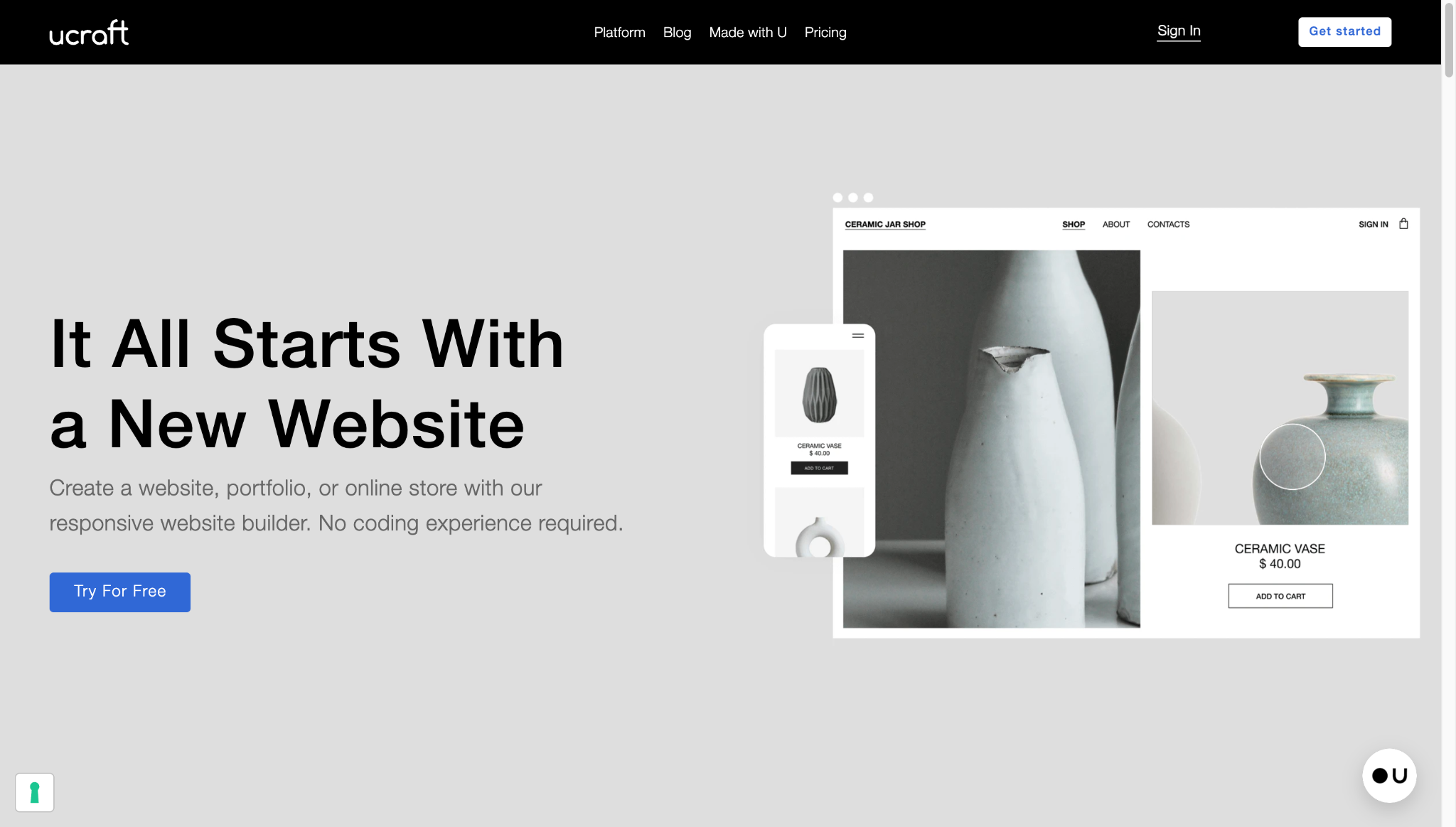
Why It Scored Here
Ucraft scored at the bottom of our rankings because it asks more of users than most local business owners can realistically deliver. The design control it offers comes with a learning curve that works directly against the no-coding requirement central to this comparison.
Where It Works for Local Businesses
Ucraft gives users more granular control over layout and design than most beginner-friendly platforms. For a local business owner who is comfortable with design tools, the flexibility here produces more distinctive results than faster, more automated tools.
Where It Falls Short
The editor is the most complex on this list and is not suited for first-time website builders. Local SEO tools are underdeveloped, mobile performance lags behind the top platforms, and there are no AI generation features. In 2026, that last point is a significant disadvantage.
Here is how Ucraft pricing breaks down:
| Plan | Price | What You Get |
| Free | $0 | Ucraft subdomain, basic pages, limited features |
| Pro Website | ~$10/month (billed annually) | Custom domain, unlimited pages, full editor |
| Pro Shop | ~$21/month (billed annually) | Ecommerce tools, payment processing, and advanced features |
| Unlimited | ~$69/month (billed annually) | Full platform access, priority support, advanced ecommerce |
Verdict
Ucraft is not the right fit for most local business owners who need a website built quickly without technical knowledge. The design flexibility it offers does not offset the learning curve and feature gaps compared to the platforms ranked above it.
What the Numbers Tell You That Reviews Cannot
Scoring platforms against defined criteria removes the guesswork that most website builder comparisons rely on. For local businesses specifically, the five criteria in this comparison determine whether a website generates real business or sits unused.
Design.com led the field across every criterion that matters most to local businesses. Its AI website builder removes the biggest barrier most local business owners face at the start, its mobile output is consistent and strong, and the brand synchronization ties the website to a wider visual identity that builds customer trust from the first visit.
BrandCrowd holds the runner-up position because of how well it connects a local business’s website to the rest of its brand. For any business that needs its logo, website, and marketing materials to tell the same story, it is the most purpose-built option on this list for that outcome.
For a local business owner who needs to make a decision and move forward, the scores make that decision straightforward.
Was this news helpful?
 Yes, great stuff!
 I’m not sure
 No, doesn’t relate