



Keep Playlists Intact When Switching Music Streaming Service

Keep Playlists Intact When Switching Music Streaming Service
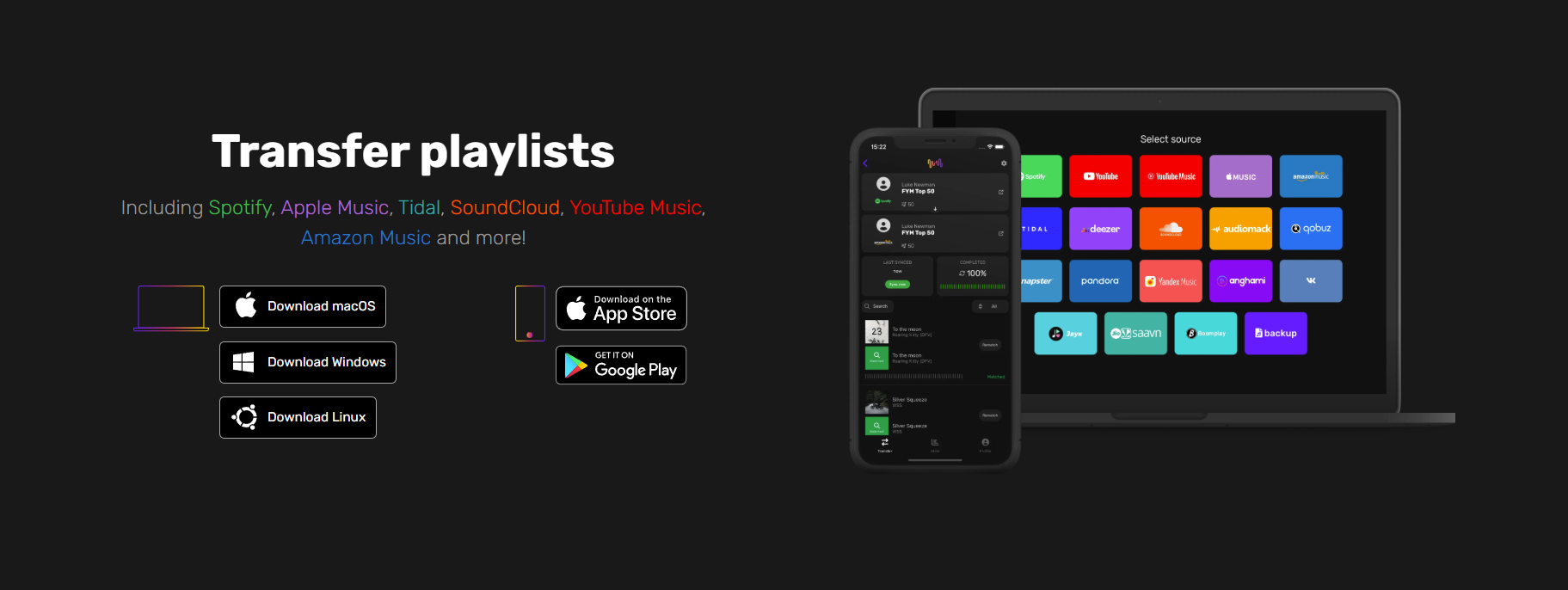
Switching music streaming services can feel deceptively simple: install the new client, sign in, and press play. But for professionals who rely on carefully curated playlists—marketers building mood banks for campaigns, agency teams sharing research tracks, or busy entrepreneurs using playlists to manage focus—losing playlist structure, metadata, or collaborative history is a real productivity hit. A Spotify transfer ensures playlists, likes, and collaborative signals are preserved when moving between services, making the transition predictable, auditable, and reversible. This guide provides practical, step-by-step instructions, mindful of privacy, aimed at people who can’t afford downtime or data drift.
Why Preserving Playlists Matters Before You Switch
Migrating an account isn’t only about keeping favorite songs: it’s about preserving context. Playlists are often bespoke repositories of work: campaign soundtracks, client-approved mixes, interview reference tracks, or keyword research songs that underpin creative briefs. When playlists break, teams lose more than tracks, they lose tagging, ordering, timestamps, and the social signals that indicate which lists are authoritative.
Key business reasons to preserve playlists:
- Operational continuity: maintain playlists used daily for briefs, edits, and presentations.
- Evidence and attribution: retain collaborative history and likes that indicate stakeholder approval.
- Efficiency: avoid duplicated effort recreating curations and metadata.
- Compliance and portability: ensure data portability aligns with privacy policies and client contracts.
How To Audit Your Current Library Quickly
A quick, targeted audit reduces surprises during transfer. Focus on what matters most, playlists that support business tasks and any collaborative artifacts.
Essential Pre-Transfer Checks
Start with a triage: list all playlists and mark them by priority. Use three buckets: Critical (client-facing, used daily), Useful (occasionally referenced), and Disposable (personal or redundant). Identify playlists with collaborators, followers, or embedded metadata like timestamps and notes. Document the total track counts and whether songs are local uploads or streamed-only.
Check account limits, such as maximum number of playlists, maximum tracks per playlist, and any restrictions on private vs. public lists. Note which playlists use specific ordering or custom sections, this is important when choosing a transfer method.
Identify Irreplaceable Playlists And Tracks
Some tracks are unique, live versions, regional releases, or private uploads. Flag playlists containing those items. Create a shortlist of irreplaceable tracks with context: why they’re important, where they were used, and acceptable substitutes if the exact version isn’t available on the target service.
If a playlist underpins a campaign or client deliverable, export a static reference (screenshot or PDF) showing the track order and annotations so stakeholders can confirm fidelity after migration.
Export Metadata, Likes, And Collaborative Indicators
Metadata matters: track timestamps, likes, collaborator edits, and notes carry intent. Not every transfer method preserves these, so export what’s feasible. At minimum, generate a CSV or simple text list with track title, artist, album, duration, and playlist assignment for each item. Include a column for flags like “liked,” “local upload,” or “collaborative.” This export becomes the canonical backup and an audit trail.
Choosing The Right Transfer Method For Your Needs
Choosing a method depends on priorities: fidelity, speed, privacy, or control. Each approach has trade-offs.
Automated Transfer Tools: Pros, Cons, And What To Expect
Automated transfer tools speed up migration and handle large libraries. They excel at mapping standard tracks and can move multiple playlists in batches. Expect high success rates for widely distributed recordings, playlists order maintenance, and basic metadata transfer.
Limitations: automated tools often can’t transfer private notes, collaborator histories, or local file uploads reliably. They may also substitute alternate versions when the exact match isn’t available, which requires verification. Assess privacy policies and data retention practices of any tool before granting access to accounts.
Manual Export/Import And CSV/JSON Options
Manual exports give full control. A CSV/JSON export of playlists plus metadata lets teams audit every line item and script custom reconciliation steps. This method is slower but best when precision matters, such as preserving exact timestamps, ordering, or annotations.
Teams comfortable with spreadsheets or light scripting can mass-compare exports between services to detect discrepancies. Manual imports may require recreating playlists through the new service’s interface or an intermediary script that reads your CSV/JSON backup.
Platform-Native Migration Features And Limitations
Some services offer built-in migration or account merging features that preserve more details than third-party tools. Where available, these are often the least risky option. But native features vary: some preserve likes or follows: others only copy playlists. Always check what is preserved and whether it applies to account types (personal vs. business) and privacy settings.
Step-By-Step Transfer Checklist (Actionable Workflow)
A disciplined workflow minimizes issues. The checklist below is optimized for business users who need to migrate multiple accounts or playlists reliably.
Preparing Accounts And Permissions
- Verify account credentials and two-factor authentication settings on both source and destination accounts.
- Create a project spreadsheet listing playlists, priorities, track counts, collaborators, and special flags (local files, private notes).
- Backup all playlists via CSV/JSON export and save a static reference (screenshots or PDFs) for client approval where necessary.
- If using a transfer tool, create a temporary access token or app-specific password and document its scope. Limit permissions to the minimum required.
Running The Transfer: Order, Timing, And Batch Strategies
- Migrate critical playlists first. Use a single small batch to test the process and verify fidelity.
- Stagger transfers to avoid rate limits and reduce the chance of substitution errors. For large libraries, break playlists into manageable batches (for example, 50–100 lists at a time depending on complexity).
- Log each transfer: timestamp, tool used, number of tracks moved, and any mismatches flagged by the system.
Verifying Playlists Immediately After Transfer
- Cross-reference the destination playlists against your CSV/JSON backup to verify counts and order.
- Spot-check matches for high-priority lists by playing several tracks, confirming versions and transitions.
- Have collaborators confirm playback and any notes or annotations. For client-facing playlists, get a sign-off screenshot or short acknowledgement to close the loop.
Troubleshooting Common Transfer Problems
Transfers rarely go perfectly. Anticipating common issues shortens downtime.
Missing Tracks, Duplicates, And Wrong Versions
Missing tracks are usually regional releases or private uploads. When a track is unavailable, the transfer method often substitutes a different version: duplicates can appear when multiple versions match a query. Resolve by referring to the CSV backup: if exact matches aren’t found, mark substitutes and consider re-uploading local files to the destination account if permitted.
To clean duplicates, use a deduplication pass, either via tool support or a spreadsheet script, to remove repeated track IDs while preserving order.
Restoring Collaborative Playlists And Follower Data
Collaborative histories and follower counts are typically not portable. Recreate collaborative behavior by re-inviting collaborators to new playlists and notifying followers via shared links. Document the change in project notes so stakeholders understand the new source of truth.
If follower data is important for analytics, capture follower counts before migration as part of your audit and log the date so any future reporting accounts for the switch.
When To Revert, Retry, Or Contact Support
If more than 5–10% of critical tracks are missing or incorrectly substituted in a priority playlist, pause further transfers. Revert by restoring from backups (manual re-creation using your CSV/JSON files) or retry with a different method. Contact support when you encounter rate limits, permission errors, or failures that aren’t explained by missing catalog items. Keep support tickets concise and include your audit exports to expedite troubleshooting.
Practical Tips To Keep Playlists Synced Over Time
Once migrated, guard against future drift with proactive processes.
Automated Backups, Scheduled Exports, And Versioning
Set up scheduled exports of playlists to CSV/JSON on a cadence that matches usage, weekly for active campaign lists, monthly for reference libraries. Maintain versioned backups labeled with date and change notes. These exports serve as rollback points and provide an audit trail for client reporting or disputes.
Integrating Playlist Workflows Into Business Or Agency Operations
Make playlist changes part of change-control processes. When a playlist is updated for a campaign, require a short entry in the project log describing the change and reason. For teams, designate one owner per playlist to avoid conflicting edits. Use shared inboxes or project management tools to coordinate collaborative updates.
For agencies reselling curated music-based deliverables, include migration clauses in client agreements: state who’s responsible for preserving playlists and what happens when platforms change.
Privacy, Data Portability, And Long-Term Considerations
Respect privacy constraints: don’t export or share collaborator emails or other personal data. When exporting, scrub any sensitive fields unless you have explicit consent. Maintain a data-retention policy for exported files and delete backups when they’re no longer needed or when client contracts require it.
Finally, accept that no migration will be perfectly frictionless. The aim is to reduce friction, document decisions, and preserve core assets so teams can keep producing work without being derailed by a platform switch.
Conclusion
For professionals and agencies, playlists are operational assets, not just entertainment. Approaching a migration with an audit-first mindset, choosing the right transfer method, and following a disciplined checklist keeps those assets intact. Regular backups, version control, and change-management practices protect against future platform churn. By treating playlists like any other critical dataset, teams preserve creative continuity, reduce rework, and maintain trust with clients and collaborators.
Was this news helpful?
 Yes, great stuff!
 I’m not sure
 No, doesn’t relate



