


How to Create Professional Podcast Episodes Without Recording Equipment

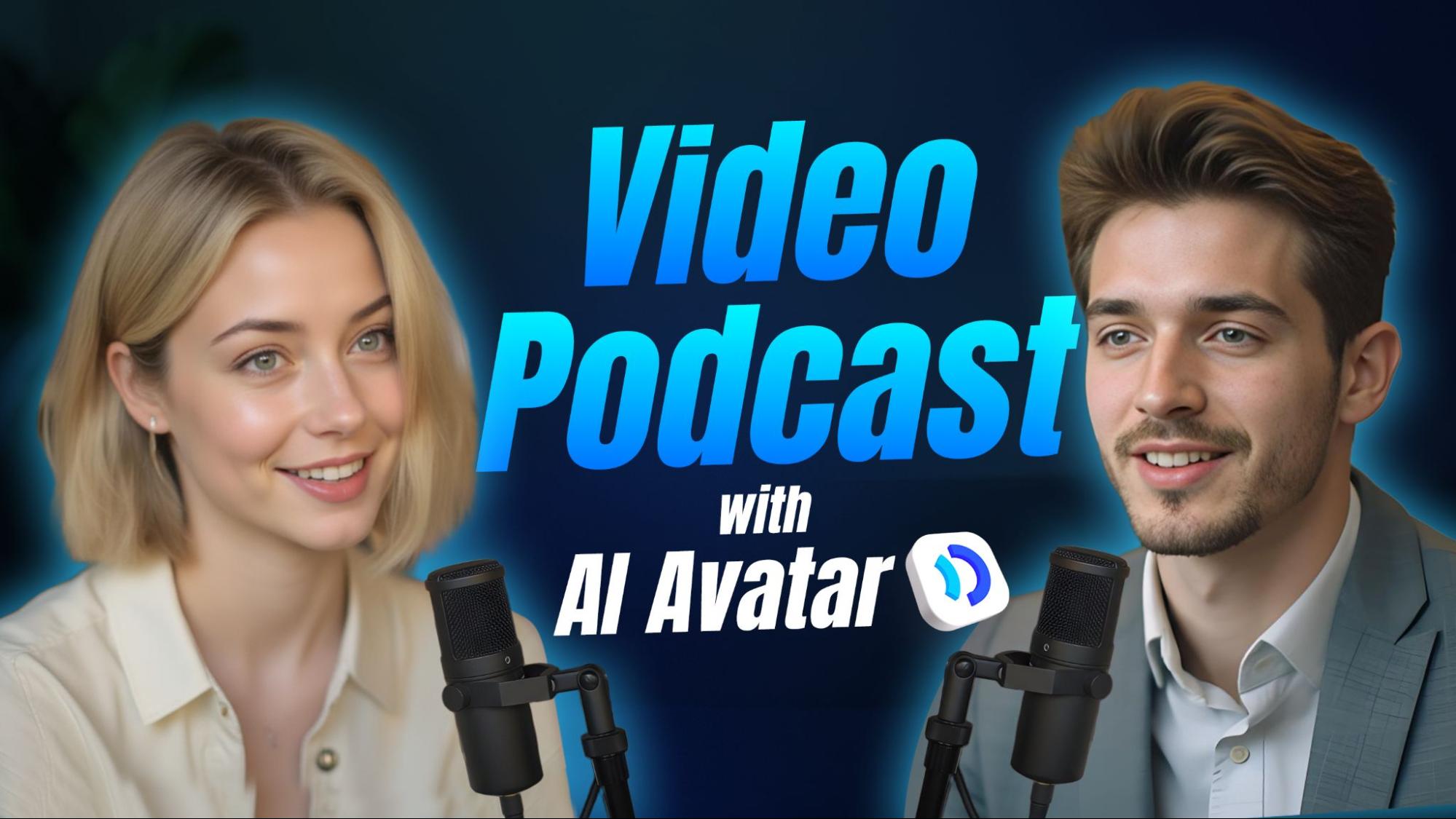
Create professional podcasts in minutes—no microphones or studios needed. Use JoggAI to write, narrate, and generate lifelike audio or video episodes.
Introduction
For years, podcasting required microphones, mixers, and expensive studio gear. Creators needed quiet rooms, editing software, and hours of manual recording to make one episode sound polished. But in 2025, Artificial Intelligence has changed everything.
Now, you can create professional-quality podcasts without touching a microphone. With tools like the JoggAI AI Podcast Generator, all you need is your script or idea. The AI handles the rest—writing, narrating, editing, and even generating video podcasts with lifelike virtual hosts.
This article explains exactly how it works and why JoggAI is becoming the go-to solution for creators who want speed, quality, and simplicity.
The End of Traditional Podcast Recording

Traditional podcast setups can be costly and time-consuming. You need:
- A quiet recording environment
- Professional microphones and pop filters
- Editing software for noise reduction and mixing
- Time to cut, master, and export every episode
Even seasoned podcasters admit that production often takes longer than writing the content itself.
With AI, that barrier is gone. JoggAI has turned the entire podcast workflow into a digital studio that runs in the cloud. You upload text, choose a voice, and generate a full-quality podcast episode within minutes.
Step-by-Step: How to Create a Podcast Without Recording Equipment
Step 1: Upload or Write Your Script
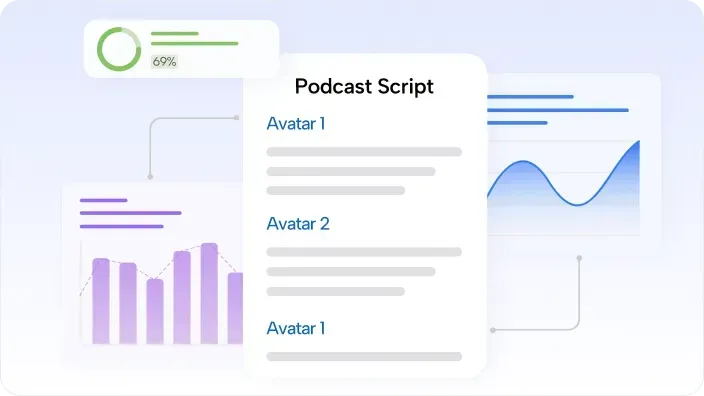
Start by preparing your content. It can be a written script, article, or idea outline. Upload it directly to the AI podcast generator.
JoggAI automatically organizes your text into readable segments, detects sentence flow, and prepares it for narration. You don’t have to worry about structure or pacing—the AI takes care of it.
Even if you only upload bullet-point notes, JoggAI can help format them into a natural, conversational script.
Step 2: Generate the Script and Preview
Once uploaded, the AI instantly converts your text into a podcast-ready version. It adjusts grammar, rhythm, and tone to sound natural when spoken aloud.
You can preview the script and make small edits before finalizing. This step ensures that your content sounds like a real conversation rather than a written essay.
Step 3: Choose Your Voice and Avatar

Next, choose the voice that will represent your podcast. JoggAI offers a wide range of AI voices across multiple languages, accents, and tones.
Each voice sounds realistic, expressive, and emotionally intelligent. Whether you’re producing a news podcast, interview show, or educational content, there’s a suitable voice style for every purpose.
If you want to turn your podcast into a video format, you can select a virtual host using the AI avatar maker. These avatars look lifelike, move naturally, and perfectly sync with the chosen voice.
This feature has made JoggAI especially popular among video creators who want professional visual podcasts without filming or being on camera.
Step 4: Generate the Podcast
After selecting your voice and avatar, click “Generate Podcast.” JoggAI automatically combines your script, voice, and avatar into a complete episode.
You can choose between:
- Audio podcast (MP3 format)
- Video podcast (MP4 format with AI avatar host)
Within minutes, your episode is ready—clean, consistent, and professional. The AI handles everything, including background balance and voice clarity.
Step 5: Download and Publish
Once your episode is generated, you can immediately download it. JoggAI supports quick exporting for both audio and video files.
You can upload your finished podcast directly to Spotify, YouTube, Apple Podcasts, or other platforms. The output meets broadcast-level audio standards, so no further editing is needed.
Many creators appreciate that the process—from upload to publication—takes less than 15 minutes, compared to the hours spent using traditional equipment.
Why You Don’t Need Recording Equipment Anymore
AI has made human-like voice performance accessible to everyone. JoggAI’s technology replicates natural pacing, pronunciation, and emotion so effectively that it’s hard to tell the difference between AI and a professional voice actor.
The platform’s AI voices adapt automatically to the tone of your script, giving realistic expression for educational, entertaining, or storytelling content.
Combined with automated sound leveling and editing, it removes the need for mixers, microphones, or post-production entirely.
For many creators, the cost savings alone make it worth switching. But the bigger advantage is freedom—you can now record podcasts anytime, anywhere, even without a studio.
Voice and Video Quality
JoggAI’s output quality rivals professional production. The AI voices are crisp and dynamic, with natural inflection and rhythm.
When combined with its avatars, the video podcasts look like real presenters speaking on camera. Each avatar moves, blinks, and reacts just like a human host.
This realism makes JoggAI a powerful tool for content creators who want to expand into video podcasting without cameras or green screens.
Editing and Customization
Even though JoggAI automates most of the process, it still provides flexibility for creators who want control.
You can:
- Edit your script before generation
- Change the voice or avatar anytime
- Adjust tone, speed, and background music
- Regenerate individual sections instead of redoing the whole episode
This hybrid approach gives users the efficiency of AI with the creative control of manual editing.
Use Cases for AI Podcast Creation
JoggAI is not just for traditional podcasters. It’s being used by professionals across industries:
- Educators – Turn lectures or notes into podcasts for students.
- Marketers – Convert blog posts into branded audio shows.
- Businesses – Create company updates or training sessions in podcast form.
- Content Creators – Repurpose existing articles into multi-language podcasts.
- Language Teachers – Use AI to produce native-sounding lessons in multiple languages.
The tool’s adaptability makes it useful for both solo creators and large organizations.
Performance Compared with Studio Recording
| Feature | JoggAI | Traditional Recording |
| Equipment Needed | None | Microphone, mixer, studio |
| Audio Quality | Studio-grade AI voice | Depends on setup |
| Video Support | Built-in avatars | Requires filming |
| Editing | Automated | Manual, time-consuming |
| Production Time | Minutes | Hours or days |
| Cost | Low | High (equipment + software) |
JoggAI clearly provides the same—or better—results without the technical setup.
Real User Experiences
Users who switched from traditional production to JoggAI highlight a few consistent benefits:
- Speed: Episodes are generated in minutes.
- Consistency: Voice tone and audio quality remain identical across episodes.
- Accessibility: No need for studio gear or soundproof rooms.
- Affordability: A single subscription replaces thousands of dollars in equipment.
- Creative Freedom: Focus on writing ideas instead of editing audio.
Feedback shows that even experienced producers are adopting JoggAI for faster workflows and multilingual projects.
Tips for Getting the Best Results
- Write conversationally—AI voices perform best with natural phrasing.
- Use punctuation to control rhythm (commas for pauses, periods for stops).
- Choose a voice that matches your target audience.
- For video, select an avatar that fits your content style (formal or friendly).
- Keep episodes concise—between 8 and 15 minutes works best.
These small adjustments help your AI-generated podcasts sound authentic and professional.
Conclusion
The era of needing expensive microphones and studios to make a podcast is over.
With the JoggAI AI Podcast Generator, you can turn any written script into a studio-quality podcast in just minutes. Its lifelike AI voices and customizable avatars powered by the AI avatar maker let you create both audio and video podcasts—no equipment, no editing, no hassle.
For creators who value time, quality, and simplicity, JoggAI is the easiest way to produce professional podcasts anytime, anywhere.
Was this news helpful?
 Yes, great stuff!
 I’m not sure
 No, doesn’t relate