



Consistent Routines: How to Design a Digital Space That Supports Productive Habits

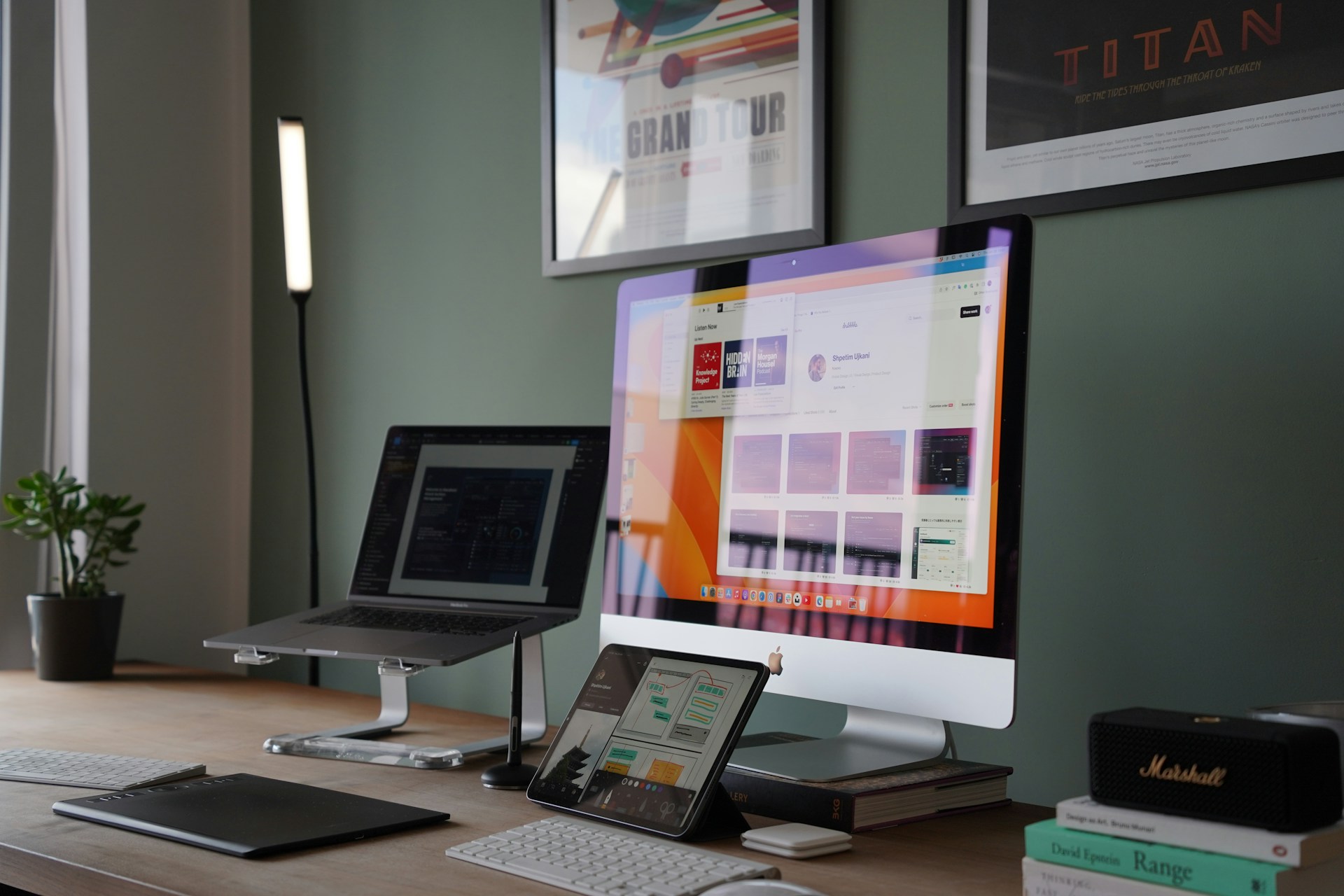
A well-designed digital workspace can help you maintain focus and build habits that last. Find out how smart work tools can improve long-term productivity.
A well-organized online environment can help you create a more productive routine. If you organize your tools and files in a clear, intentional way, staying focused throughout the day becomes a lot easier.
In this guide, you’ll learn practical tips to set up your digital workspace so that it supports better work habits. You’ll also discover how platforms like PDFinity can simplify everyday tasks to keep your workday on track.
Assess Your Digital Setup
Before you try to change your digital habits, look at your current setup. An in-depth review of your workflow can reveal which systems support your productivity and which ones slow you down.
Make a list of the tools and files you use the most, and ask yourself:
- What are my must-have tools?
- Which processes end up taking more time than expected?
- Where do I lose focus or spend more effort?
These prompts can reveal hidden friction in your workflow, like overlapping tools or hard-to-find files. Pay attention to the differences between the resources available and consider how each one contributes to your daily processes.
Create Clear Paths for Your Work
A productive digital space needs both clarity and organization. When your processes follow a logical order, you spend less time making small decisions that break your focus. That way, you can spend more energy on the work that delivers value to your clients.
Start by mapping how your tasks move through your system, from their creation to tracking and sharing. Once you see the sequence, modify your folders and tools to match it. Establish a clear folder hierarchy and use consistent naming conventions.
For ongoing projects, try grouping materials by theme, stage, or function rather than by date alone. Labels and searchable tags are also useful. These adjustments bring a sense of order to your digital space, making your daily routines feel more efficient.
Design Routines That Stick
Establishing effective routines takes time. They usually don’t happen overnight. Instead, they grow slowly through small, repeated steps practiced day after day until these actions become second nature and feel automatic.
Try habit stacking. For example, you can review your documents before checking your messages or tackle three small tasks right after your first cup of coffee. Linking habits this way can make routines stick and reduce the mental effort needed to stay consistent
Another strategy is to match tasks with the times of day when you have more energy. Use your peak focus hours for creative or analytical work, and save lower-energy times for quick updates or routine administrative tasks.
Automation can reinforce these routines. Templates and app integrations can help you take care of the repetitive work, so you can concentrate on high-value tasks. With time, these routines can turn into instinctive behaviors.
Use Tools That Save Time and Effort
An integrated set of digital workspace solutions can make your habits feel more natural. The simpler and more intuitive your tools are, the easier it will become to repeat the habits that keep you productive.
Focus on the tools that simplify your daily workflow. Look for qualities that match how you already operate:
- Intuitive: The tool is intuitive and doesn’t require the guidance of a manual or lengthy setup.
- Cross-platform: The tool works consistently across all your devices.
- Flexible: The tool adapts to the way you work, rather than forcing you to change your workflow.
You can’t use the same tool for everything. For example, a task manager helps you stay on top of your responsibilities, while note-taking or collaboration apps keep your ideas organized. File-sharing and editing platforms make it simple for teams to work together.
Visual Systems That Keep You on Track
With visual management systems, you can see and track your progress, which makes it easier to celebrate wins along the way. They also help your brain connect effort to results, which reinforces productive habits over time.
Use a combination of simple visual techniques:
- Checklists: Keep track of your daily tasks to maintain momentum and feel a sense of accomplishment.
- Digital dashboards: Mark your weekly goals or project milestones to get a quick overview of your progress.
- Color codes: Use colors to highlight priority or task types so you can instantly see what needs your attention.
Habit trackers can help you see how consistent you’ve been over time. The more you can actually see your progress, the more motivated you’ll feel, which creates a positive feedback cycle that keeps good habits going.
Refine Your System Regularly
As your responsibilities shift, your routines and tools should change too, helping you stay adaptable while losing your sense of organization. Conduct weekly reviews to reflect on what’s working and identify areas where you could improve your systems.
Use these reflections to make small, targeted adjustments, like archiving files or refreshing dashboards. These minor refinements prevent digital clutter and make sure that your workflows continue to support your goals effectively.
Think of this refinement as an ongoing cycle of optimization and improvement. With each review, you can fine-tune what’s already working and reinforce productive habits. Over time, this approach makes sure that your tools and systems stay in sync with your workflow.
Was this news helpful?
 Yes, great stuff!
 I’m not sure
 No, doesn’t relate



