

Best Free Logo Makers for Startups in 2026: Ranked by Budget, Features & Growth Stage
Best Free Logo Makers for Startups in 2026: Ranked by Budget, Features & Growth Stage
According to a 2024 study by Crowdspring, 77% of consumers make purchasing decisions based on a brand’s name and logo alone. Yet the average custom logo from a design agency costs between $2,500 and $10,000, a budget most early-stage startups simply don’t have. The result is a familiar trap: founders either overspend on branding before product-market fit, or they cobble together a placeholder logo that undersells an otherwise strong business.
The good news is that the logo maker market in 2026 has changed the math entirely. AI-powered platforms, libraries of hundreds of thousands of templates, and genuinely capable free tiers mean that a startup can launch with a professional, commercially safe logo for $0 today and scale its branding toolkit as revenue grows. The challenge is knowing which tool to use and when.
This guide organizes the best logo makers by budget tier so you know exactly what you’re getting at each price point and when it makes sense to pay more.
Free Tier: $0 Logo Makers That Actually Deliver
Most founders start here, and rightfully so. Validating a business idea before investing in branding is smart resource allocation. The free tier in 2026 is genuinely capable, especially with the top two picks below.
1. Design.com — Best Overall Free Logo Maker

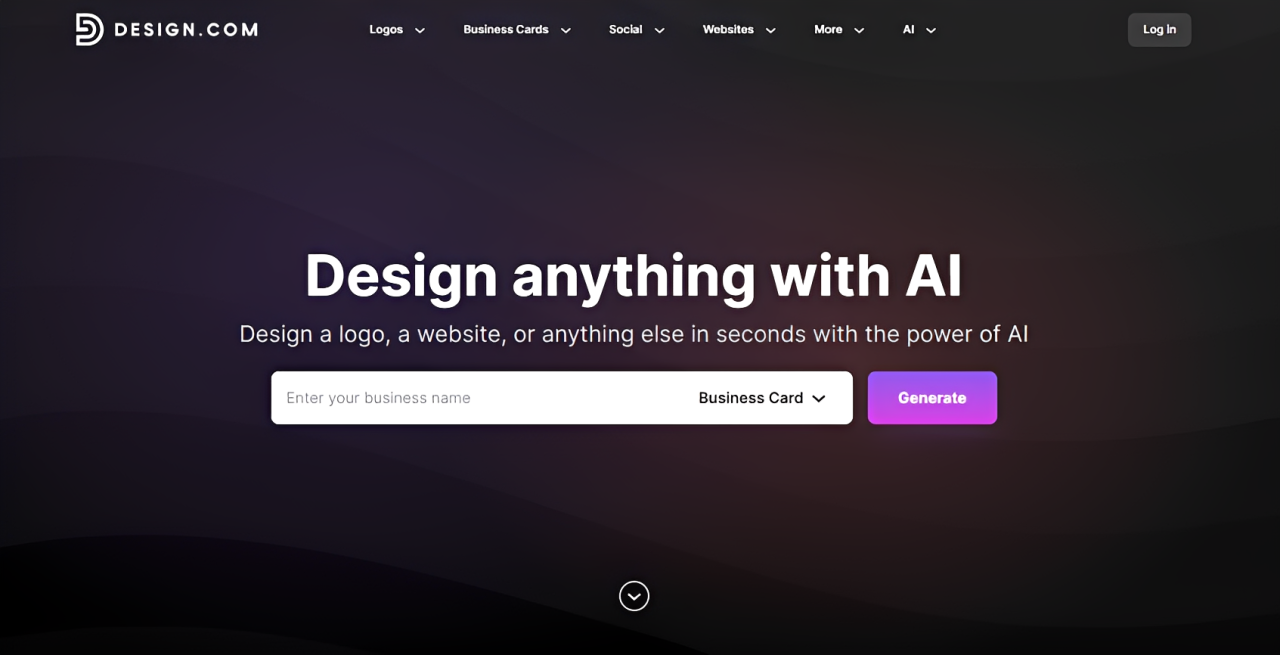
If you only have time to try one tool, make it this logo maker. Rated 4.7 stars across 4,000+ Trustpilot reviews and recognized as the #1 logo company in the world,
Design.com backs that claim with a feature set that consistently outpaces the competition.
The free tier alone is remarkable. You get access to the world’s largest logo library with over 400,000 templates, spanning every industry from tech and wellness to food and finance. All designs are created by professional designers, feature hundreds of exclusive fonts, and are 100% commercially safe, with each logo individually checked for originality before going live on the platform.
Design.com stands out from every other free option with what comes bundled with a free logo download. You get a free website builder, a free link-in-bio creator, and a free digital business card maker, all publishable at zero cost. You also unlock 50+ additional design tools covering social media posts, flyers, posters, and presentations.
The AI capabilities are equally strong. Design.com offers an AI logo generator, AI-assisted icon and text editing, and a simple chat interface for requesting changes, all backed by a custom-trained AI that keeps edits copyright-safe.
The platform also includes 62,000+ custom vector shapes, 750+ fonts (525+ exclusive to the platform), animated logo exports in GIF and MP4 format, and support across 7 languages with payments accepted in 9 currencies. It is a free tier that outperforms many paid tools on the market.
Best for: Founders who want the most complete free branding toolkit available, with a clear upgrade path when they’re ready.
2. BrandCrowd — Best Runner-Up with Serious Design Depth
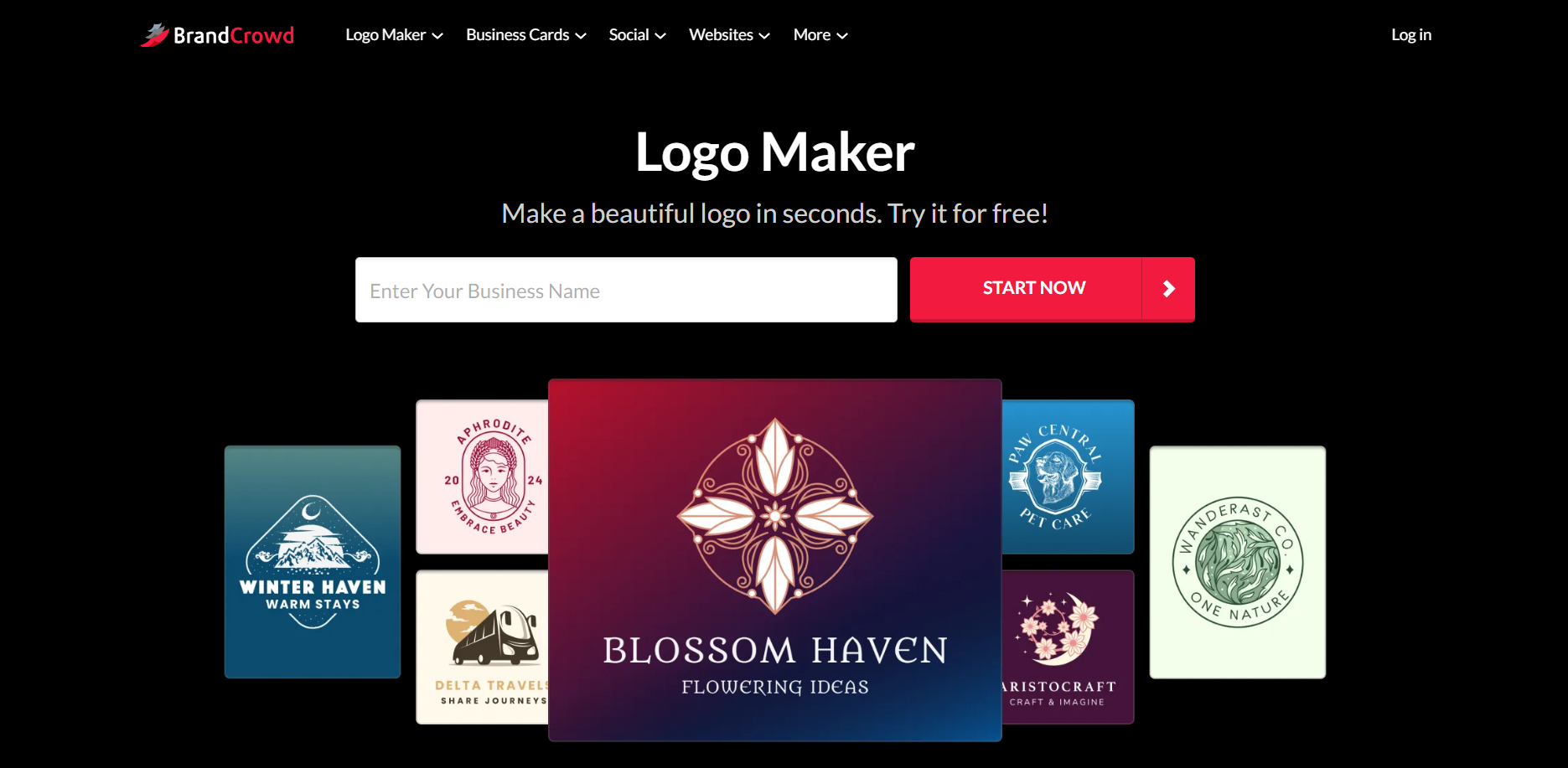
Coming in at a very close second, this logo design platform earns its spot with an exceptional Trustpilot score of 4.8 stars across 9,000+ reviews, the highest review count on this list and a meaningful signal of scale and consistent user satisfaction.
BrandCrowd’s free tier mirrors Design.com’s generosity: 380,000+ logo templates, exclusive designs from professional designers, 62,000+ custom vector shapes, and the same suite of AI editing tools, including chat-based logo changes. Downloading a free logo also unlocks the website builder, digital business card maker, and 50+ additional design tools.
The platform is particularly well-suited to visual-first brands in lifestyle, beauty, food, or creative services, where aesthetic refinement matters as much as function. Its template library skews toward polished, trend-forward designs that feel genuinely current in 2026. For a closer look at its features, ease of use, and overall value, a BrandCrowd logo maker review can help prospective users decide whether the platform matches their specific branding needs.
Best for: Startups where visual identity is central to the brand, and founders who want a high-trust platform backed by a large, active user community.
3. Shopify Logo Maker — Best for E-Commerce-First Startups
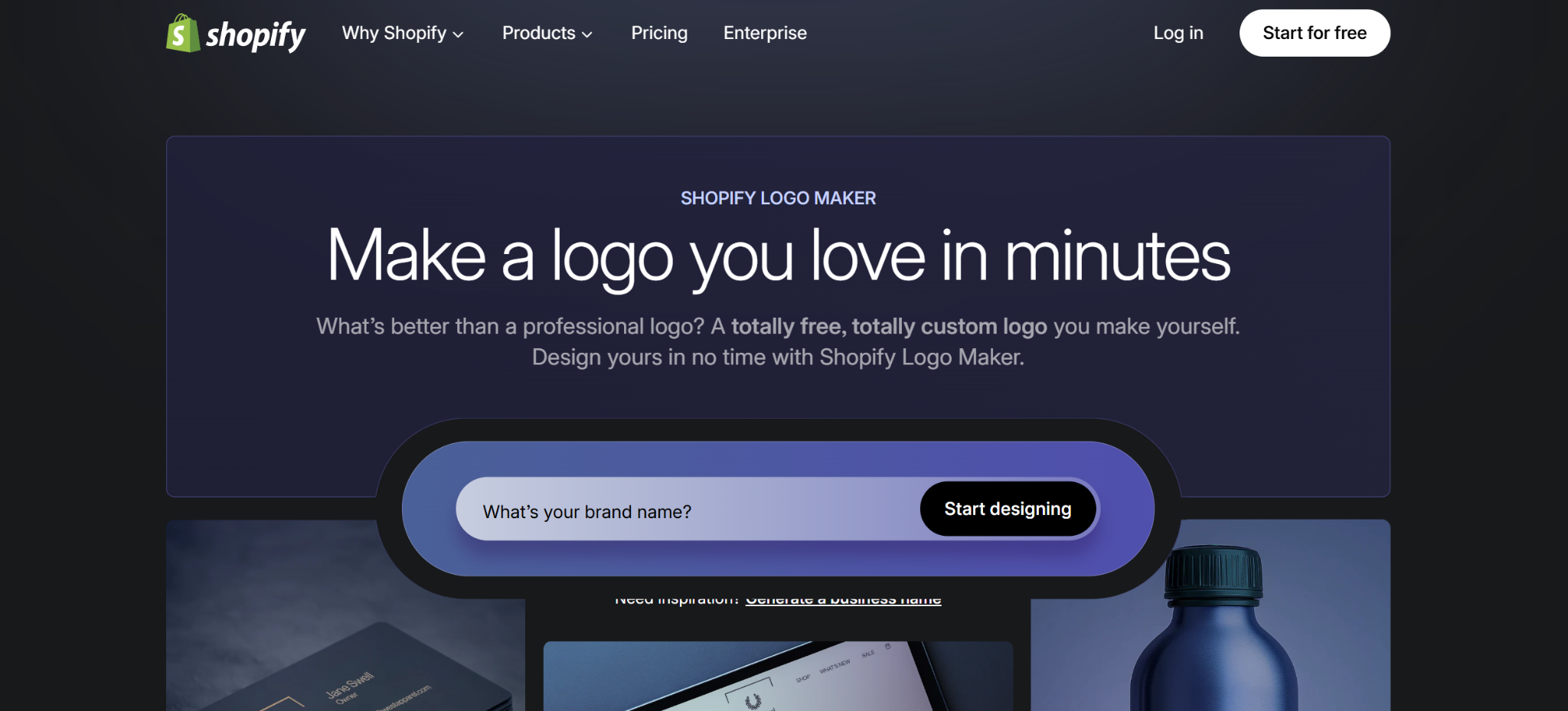
Shopify’s logo maker is completely free and requires no account to get started. Its questionnaire-based flow (pick your industry, choose your vibe, enter your name) generates logo concepts in seconds. It is lean by design, which makes it fast but limits customization depth.
Where the platform excels is its native integration with the Shopify ecosystem. If you’re building a product-based business and plan to sell on Shopify, the platform’s branding outputs slot neatly into your store setup. Just don’t expect the template variety or AI editing depth you’ll find with the top two picks.
Best for: Early-stage e-commerce founders who need a quick placeholder logo before moving to a more powerful tool.
4. Namecheap Logo Maker — Best Free Tool with Domain Integration
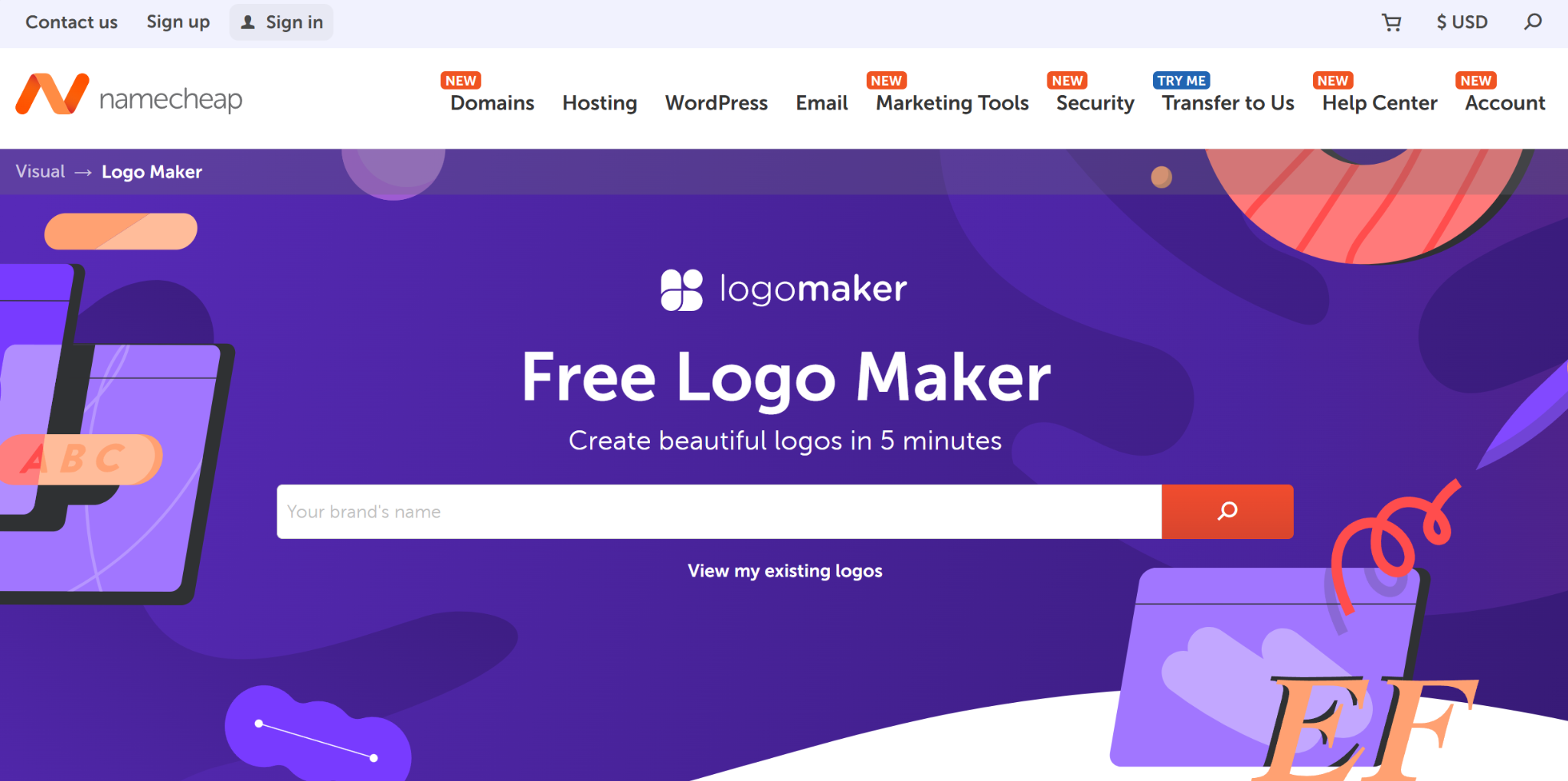
Namecheap’s logo maker is an underrated free option, particularly for founders who are simultaneously shopping for a domain name. The AI-assisted editor is more capable than you’d expect from a domain registrar’s side product, and the ability to register your domain in the same session is a genuine workflow convenience worth considering.
The template library is smaller than the top two options and the AI tools are more basic, but for a zero-cost, no-fuss logo with a built-in path to domain ownership, it punches above its weight.
Best for: Tech startups securing their domain and logo in a single session on a tight budget.
Starter Tier: $1–$15/Month
Once you’re ready to launch publicly and put your brand in front of real customers, you’ll need print-ready, high-resolution files. That’s the unlock moment for the Starter tier.
| Tool | Price | Key Unlock |
| Design.com Starter | $3/mo | High-res and vector files, 618K+ templates across its branding tools, brand collateral tools |
| BrandCrowd Starter | $3/mo | Same unlocks, same price, parallel tier structure |
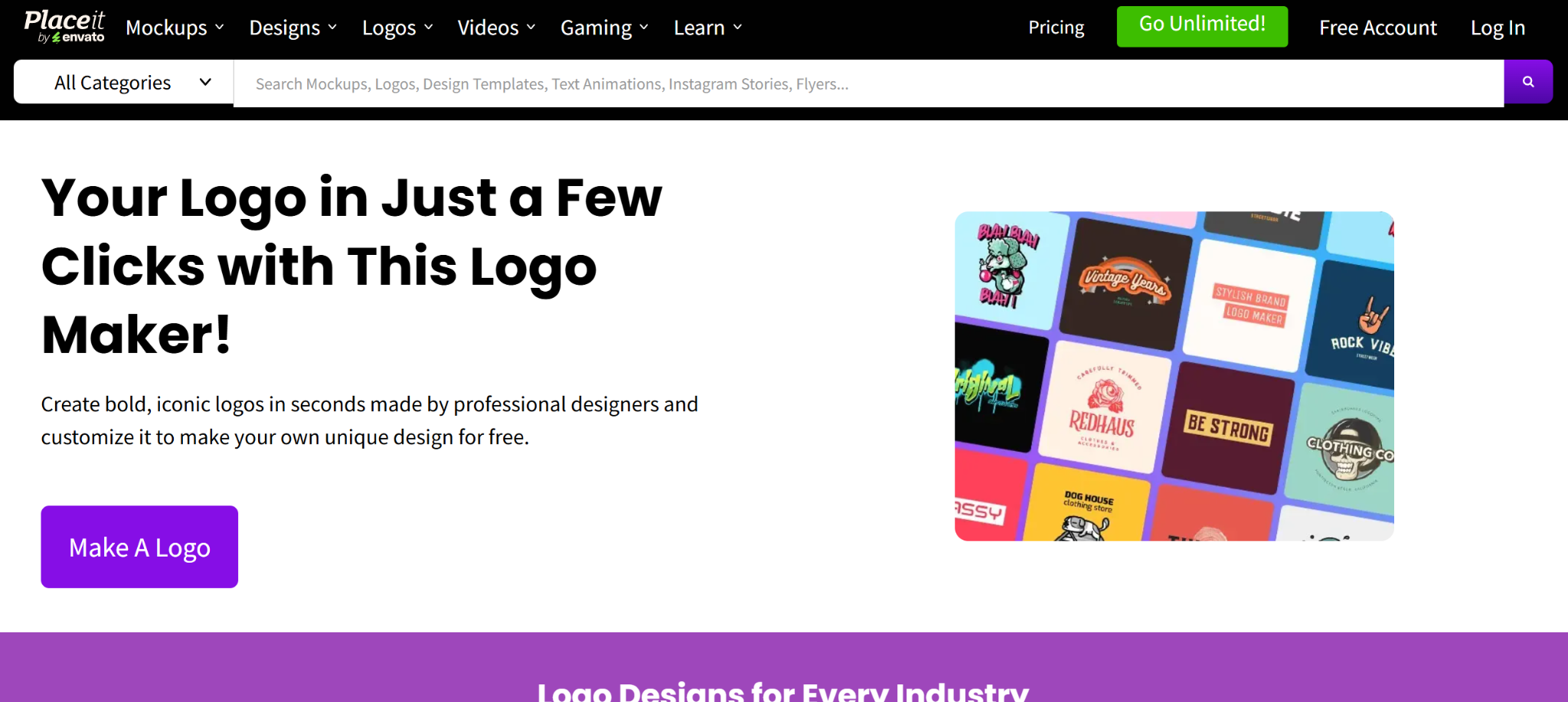
| Placeit by Envato | ~$7.47/mo | Logo maker plus product mockup library; ideal for lifestyle and product brands |
At $3/month billed annually (a 72% saving over monthly pricing), both Design.com and BrandCrowd offer exceptional value. You get your logo files to keep forever, unlimited logo edits, and access to business cards, social media post, and email signature templates, along with 618,000 total design templates.
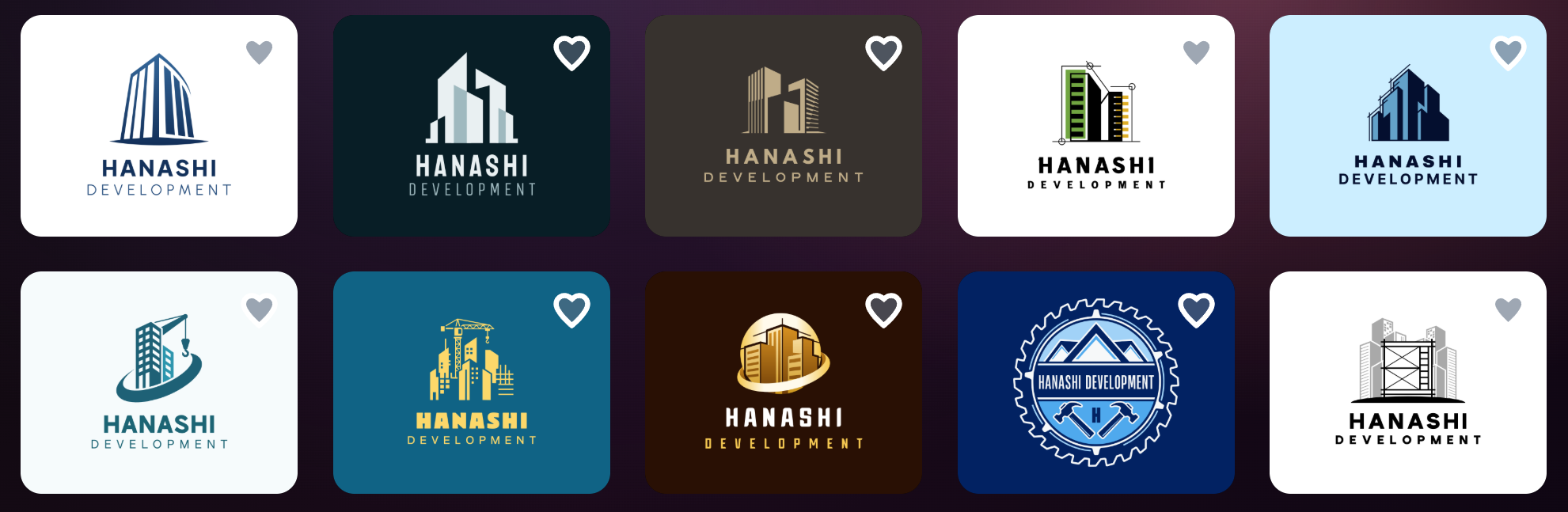
For instance, here are some premium templates from Design.com for a construction company:
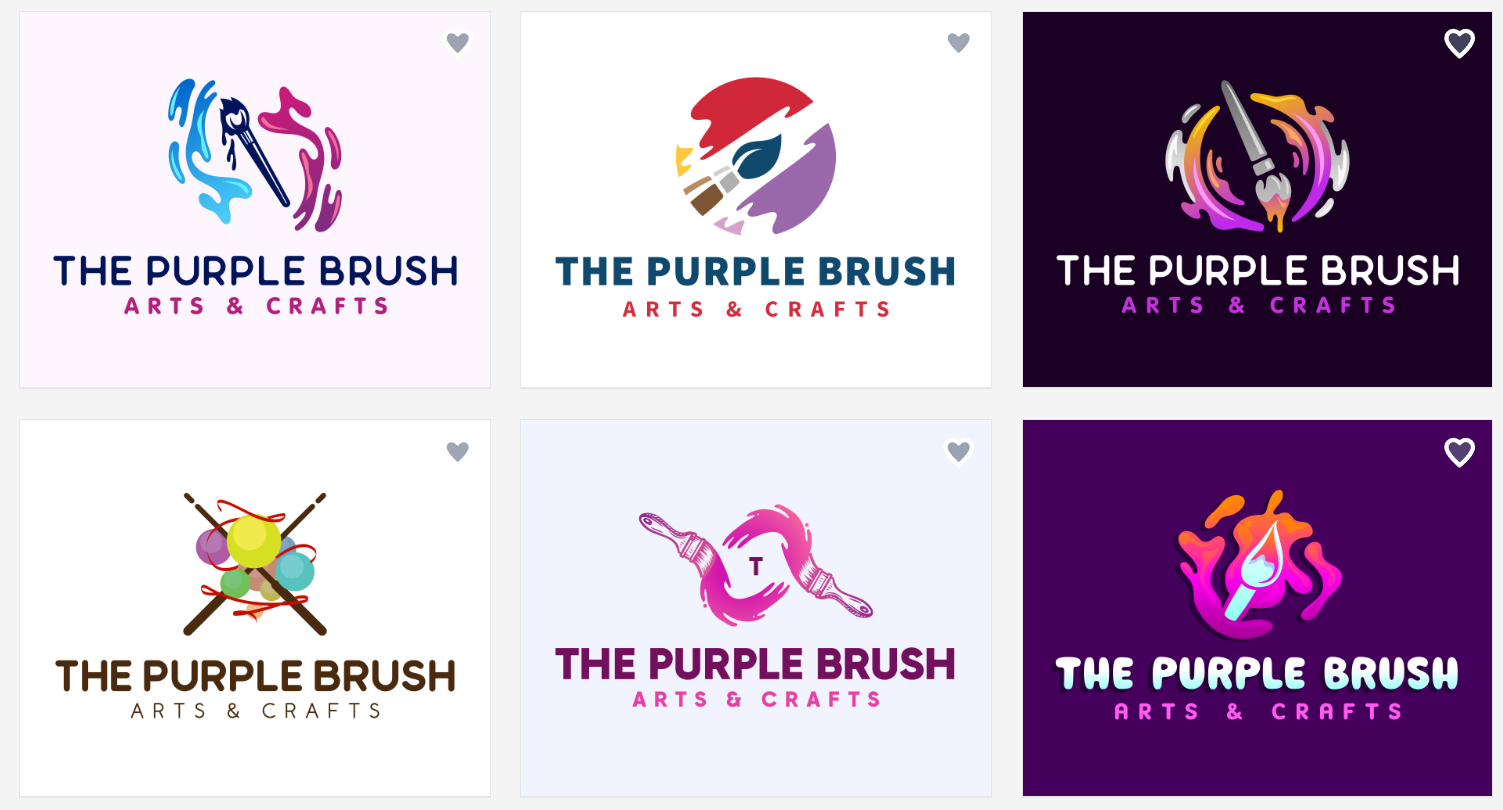
And logo designs for an arts and crafts store from BrandCrowd:
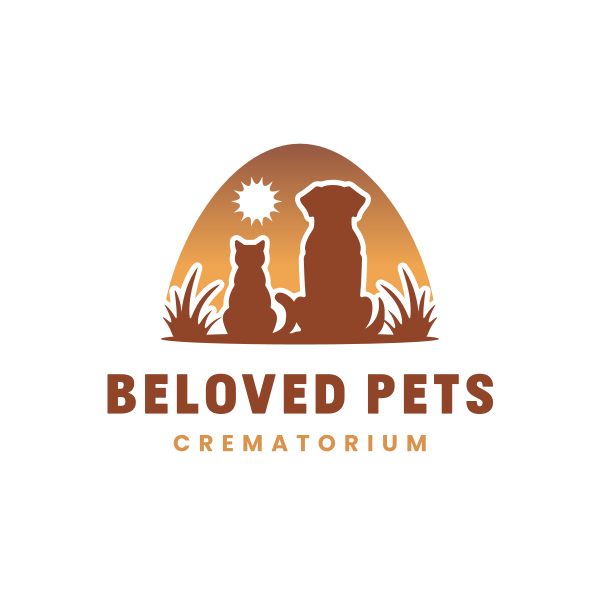
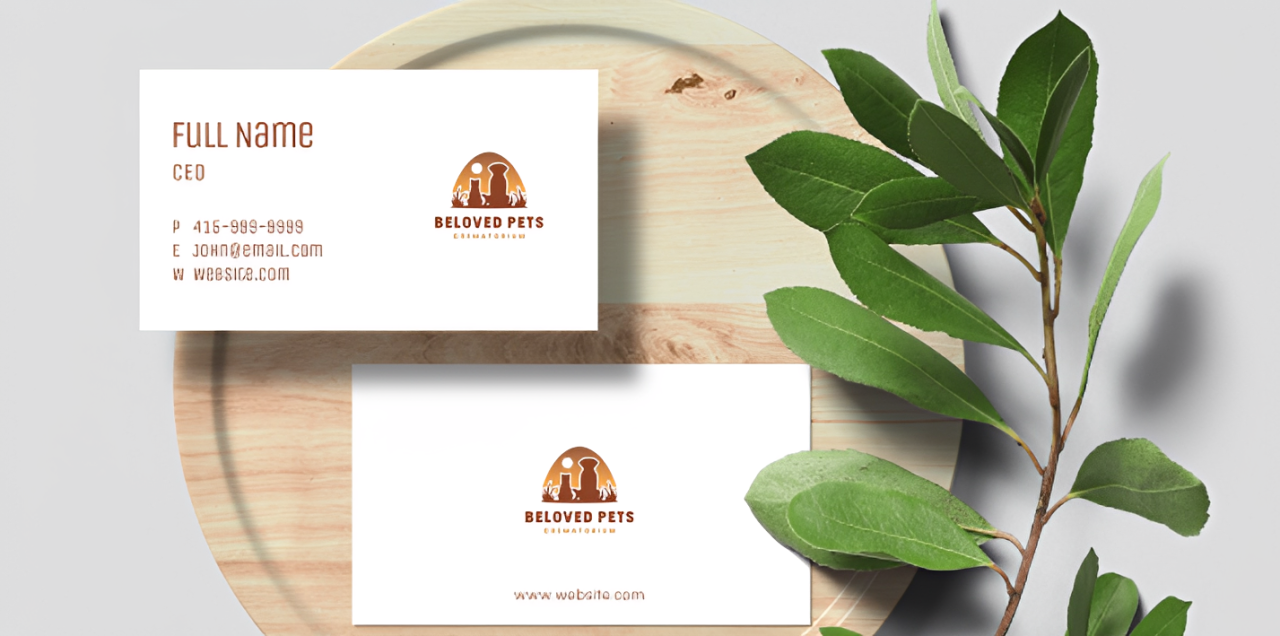
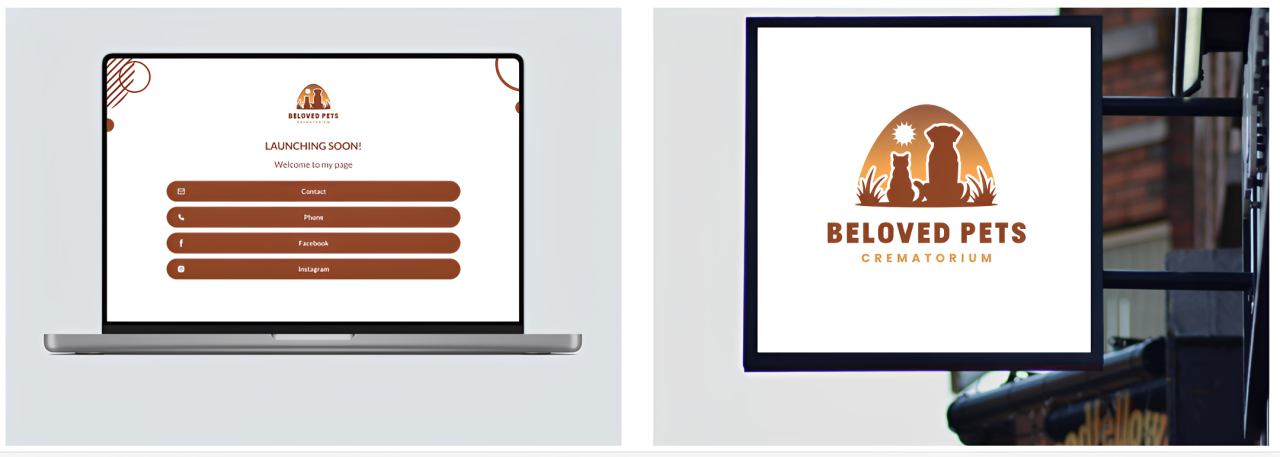
We were even able to find a logo for highly niche industry like a pet crematorium from Design.com:
Placeit fills a different niche: if your startup sells physical products and you need lifestyle mockups as much as a logo, Placeit’s combination of logo tools and product photography templates is hard to beat at this price point.
Professional Tier: $15–$40/Month
At this stage, your brand needs to work across every surface: web, social, print, and digital. The professional tier adds the tools to make that happen seamlessly.
| Tool | Price | Key Unlock |
| Design.com Value | Strats at $4/mo | Everything in Starter plus a website builder |
| Design.com Premium | From $5/mo | Everything in Value plus link-in-bio and digital business cards |
| BrandCrowd Value/Premium | Same pricing structure | Mirrors Design.com tier for tier |
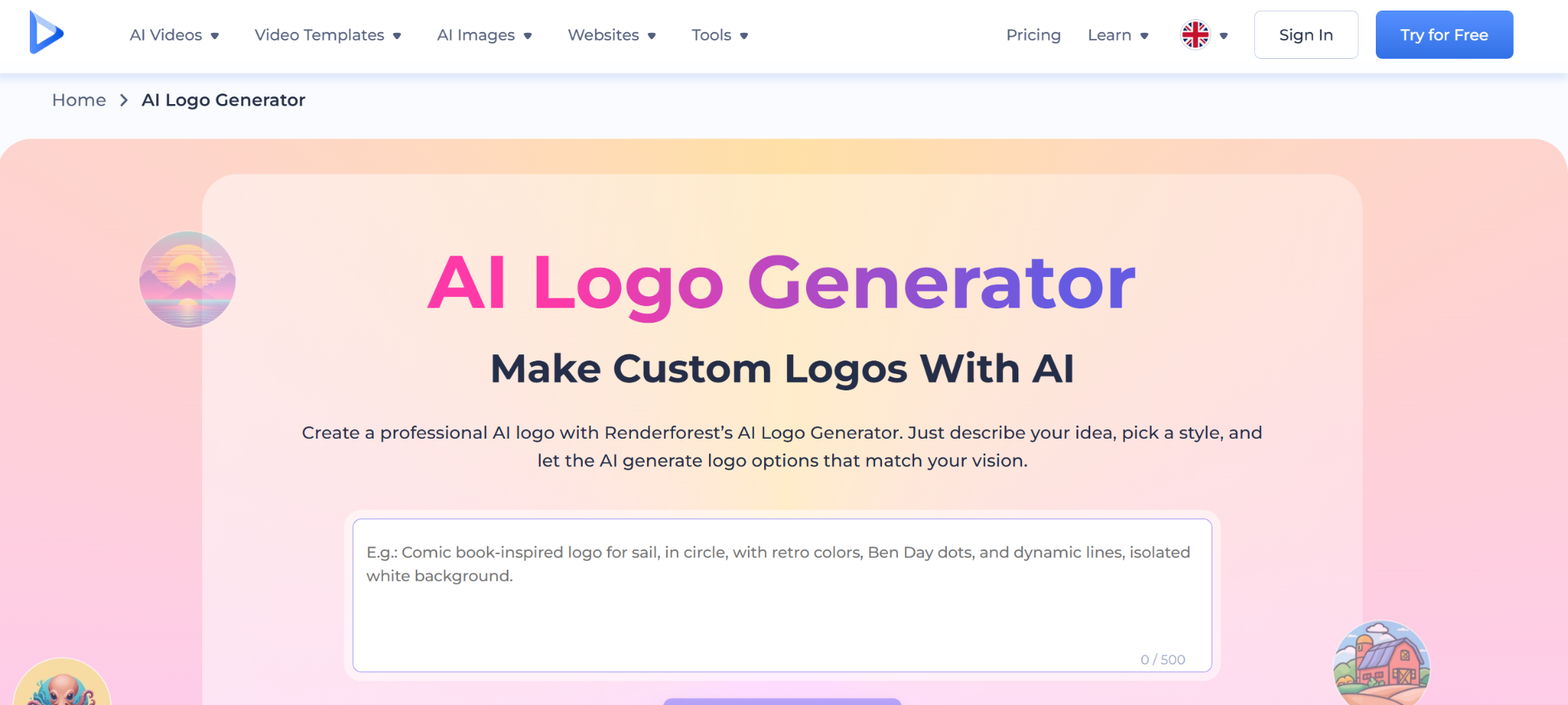
| Renderforest | $14.99–$29.99/mo | Animated logos, video intros, motion branding |
Design.com’s Value and Premium plans represent the strongest all-in-one branding suite at this price in 2026. For $5/month billed annually, you get a logo, a website, a link-in-bio page, and a digital business card. It’s essentially a complete digital presence for the cost of a coffee. The platform’s automatic template branding feature means your logo colors flow into every social and print template you create, keeping your brand visually consistent without additional effort.
Here we were able to preview what our crematorium logo could look like on a business card:
And on a website and signage:
Renderforest earns its place in this tier for startups in media, entertainment, SaaS, or any space where a polished animated logo intro adds perceived value. If your brand lives on YouTube, LinkedIn video, or in app loading screens, motion branding matters and Renderforest delivers it well.
Enterprise-Level Alternatives: When You’ve Outgrown DIY
There comes a point when a great template is no longer enough. If you’re raising a Series A, entering a competitive market, or rebranding after significant growth, human creativity and strategic design thinking become worth the investment.
DesignCrowd is the standout pick for this transition. Rather than giving you a template to customize, DesignCrowd runs your creative brief through a global network of designers. You receive dozens of original logo concepts and choose your favorite. Projects start around $109, making it far more accessible than a traditional agency while delivering genuinely custom work. It is the ideal bridge between DIY tools and full agency spend.
99designs operates on a similar model but with a higher price floor and more rigorous designer vetting, better suited to brands competing in design-sensitive markets or undergoing a high-stakes rebrand.
Fiverr Pro connects you with vetted freelance designers at variable price points, offering flexibility for founders with specific style references or unusual brief requirements.
Adobe Illustrator with an in-house designer becomes relevant only once you have dedicated creative resources, typically at the stage of a funded startup building an internal brand function.
Signs it’s time to graduate from DIY: Your brand is appearing in press coverage. You’re pitching investors. Your product is in stores. Your logo is the first thing a partner sees on a contract. Any of these moments warrant the step up.
Who Should Upgrade — and When?
Not everyone needs to pay. Here’s how to know where you stand:
Stay on the free tier if you’re pre-revenue, testing a business concept, or building an MVP. The free tools from Design.com and BrandCrowd are genuinely production-ready for early-stage validation.
Upgrade to Starter ($3/mo) if you’re launching publicly and need print-ready vector files for business cards, merchandise, or pitch decks. At $3/month, the value is clear the moment your brand starts appearing in front of customers.
Upgrade to Value or Premium ($4–$5/mo) if you need a website, a cohesive digital presence, or a full brand kit. This tier turns your logo into a complete brand system and at $5/month, it remains cheaper than almost any comparable alternative.
Go enterprise (DesignCrowd or 99designs) if you’re raising funding, rebranding after growth, entering a competitive visual market, or your logo will appear in major press or retail environments. Custom design is not a luxury at that stage. It is a competitive signal.
Conclusion
The tiered approach to branding tools is one of the most founder-friendly shifts in the design software market in years. You don’t have to overpay in month one, and you don’t have to stay on tools that limit you as you grow.
After reviewing every major platform, Design.com is the clear best choice for startups in 2026. Even outfits like Cybernews and Ranktracker have consistently named it a top choice for new businesses. No other tool combines the world’s largest logo library (400,000+ templates), a genuinely powerful free tier, AI-driven editing, commercially safe designs, animated logo exports, and a full upgrade path, all starting at $0.
When you’re ready to invest, the Starter plan at $3/month and the Premium plan at $5/month offer some of the best per-dollar value in the entire design software market.
Whether you’re naming your company today or refreshing a brand that’s ready to scale, Design.com is where to start.
Was this news helpful?
 Yes, great stuff!
 I’m not sure
 No, doesn’t relate