



Benefits of Using an MP4 Converter for Any Project

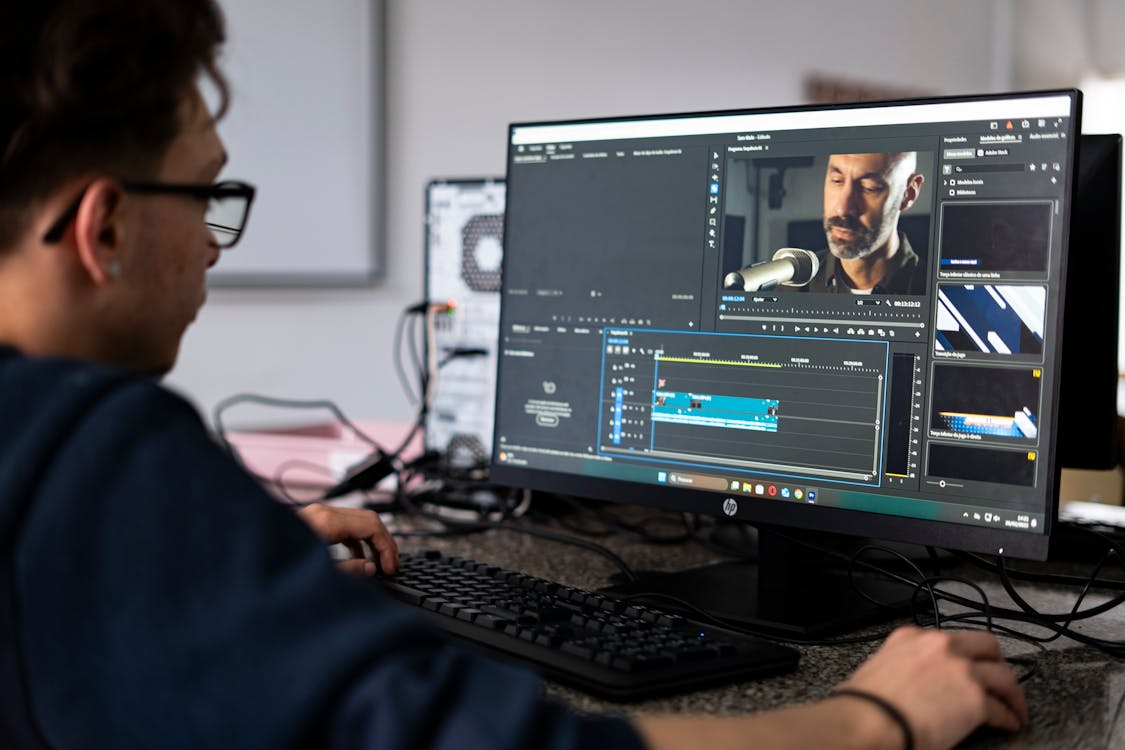
Discover how using an MP4 converter simplifies video projects, improves compatibility, saves storage, and ensures smooth playback on any device.
In today’s digital world, videos have become a common part of how we communicate, learn, and promote ideas. Whether you are editing clips for social media, creating online lessons, or developing marketing content, videos in MP4 format are often the best choice.
To make sure your videos work well on any device, using an MP4 converter can make your work easier, faster, and more efficient.
Understanding MP4 Converters
Before exploring the benefits, it’s essential to understand what an MP4 converter is and how it works.
What Is an MP4 Converter?
An MP4 converter is a tool that changes videos from one file type to another. It allows you to turn large or incompatible files-like MOV, AVI, or WMV-into MP4 format.
The process is simple: you upload your video, choose the output format, and the converter does the rest. This makes it possible to play, edit, or upload your video wherever you need it.
Why MP4 Is the Preferred Format
MP4 is one of the most widely used video formats because it works almost everywhere. It provides excellent compression, meaning it keeps video quality high while keeping file size low.
This makes it perfect for uploading, streaming, or sharing across different platforms without worrying about performance or compatibility issues.
How Conversion Improves Workflow
Using a reliable MP4 converter ensures your videos run smoothly, look sharp, and are ready for editing or uploading. You avoid file errors, reduce time spent troubleshooting, and focus more on the creative side of your project.
Key Benefits of Using an MP4 Converter
Every project-whether for business, education, or entertainment benefits from having reliable conversion tools. Here are the main advantages.
Works on All Devices
One major benefit of converting to MP4 is that it plays on nearly every device and operating system. Whether it’s Windows, macOS, Android, or iOS, MP4 files work without special software.
You can upload your video to websites, play it on a TV, or attach it to an email, and it will run without problems. This level of flexibility saves both time and effort.
Smaller Files Without Losing Quality
Video files can take up a lot of storage and slow down transfers. MP4 converters compress videos while keeping their quality close to the original. You get smooth playback, quick uploads, and more available storage. This is especially helpful for content creators, teachers, and businesses that upload videos frequently.
Easier to Edit and Share
Editing programs such as Adobe Premiere Pro, iMovie, or Final Cut Pro handle MP4 files better than other formats. By converting to MP4, you make editing faster and prevent lags or glitches. Sharing also becomes simple since most video hosting platforms, like YouTube and Vimeo, prefer MP4.
Enhancing Creative Flexibility
Video creators often face challenges with format restrictions and technical limitations. An MP4 converter removes these barriers, helping you focus on creativity.
Simplifies Work Across Different Platforms
When working on multiple platforms-like social media, websites, or classroom portals, a different format. Converting all your videos into MP4 creates consistency. This means your video will play the same way on every platform without needing extra changes.
Adjusts to Various Resolutions
An MP4 converter lets you modify resolution settings for different viewing needs. You can reduce resolution for mobile use or maintain full HD quality for presentations. This makes your videos adaptable for all audiences.
Saves Time and Effort
Instead of editing each file manually, converters automate the process. You can convert many videos in one go and prepare them for distribution within minutes. This feature is especially helpful for projects with tight deadlines or large batches of videos.
Professional and Everyday Uses
The advantages of MP4 converters extend across different uses-from businesses to personal content creation.
For Businesses and Marketing
Marketing teams use MP4 converters to make sure their promotional content looks sharp on every platform. When creating ads, tutorials, or brand stories, MP4 guarantees smooth playback and professional presentation. It’s also more cost-effective than hiring a professional editor just to fix file formats.
For Education and Training
Teachers and online trainers often record lessons or demonstrations. Converting these videos into MP4 ensures students can open them on any device. It also makes uploading to learning platforms quick and problem-free, helping teachers focus on teaching rather than technical issues.
For Personal Projects
Hobbyists and casual users also gain from MP4 conversion. Whether you’re editing travel vlogs, gaming videos, or family recordings, MP4 makes saving and sharing easy. It ensures compatibility across phones, computers, and social media without needing special tools.
Technical Advantages of MP4 Conversion
Beyond convenience, an MP4 converter provides technical improvements that enhance video performance and quality.
Efficient Compression and Storage
Modern MP4 converters use smart compression to reduce file size while preserving clarity. This makes it possible to store hundreds of videos without filling your hard drive. Smaller files also upload faster to websites or cloud storage.
Smooth Playback and Better Streaming
MP4 files are optimized for smooth playback, even on slower internet connections. This makes them ideal for streaming on platforms like YouTube or Facebook. With fewer buffering issues, your audience enjoys a better viewing experience.
Easier File Organization
Keeping videos in one standard format helps with organization. You can rename, tag, and store your MP4 videos in clear folders without confusion. When all your files match the same type, editing and reusing them becomes easier.
Accessibility and Collaboration
MP4 converters bridge the gap between devices and software, ensuring that everyone-from editors to viewers-can interact with your content effortlessly.
Works Across All Devices
MP4 is known for its universal compatibility. You can move your videos between phones, tablets, cameras, and computers without worrying about format conflicts. This helps creators and teams who use different types of devices.
Perfect for Cloud and Social Platforms
Most online platforms, from Google Drive to Instagram, prefer MP4 because it balances high quality with a manageable size. Uploading becomes faster, and the videos maintain their visual appeal once online.
Easier Team Collaboration
When everyone on your team can open and preview the same video file, collaboration improves. There’s no need for extra plug-ins or codecs. MP4’s simplicity allows teams to focus on content instead of technical setup.
Make Every Project Easier With an MP4 Converter
Whether you’re working on business presentations, online lessons, or personal videos, an MP4 converter makes your projects easier to manage and share. It ensures compatibility, saves storage, and keeps your videos looking professional. With the right tool, you can handle any video format quickly and confidently.
Find solutions tailored to your needs-start exploring more articles today!
Was this news helpful?
 Yes, great stuff!
 I’m not sure
 No, doesn’t relate



