

5 Best Free Business Card Makers for New Businesses
5 Best Free Business Card Makers for New Businesses
When you are just starting a brand, there is a lot to figure out all at once. You are picking a name, setting up accounts, telling people what you do, and somewhere in the middle of all that, you realize you need a business card. It feels like a small thing, but it is one of the first real representations of your brand that someone else will hold in their hands.
The great thing is you do not need to hire anyone or spend money you do not have yet to get one that looks the part. Free tools built for everyday people mean you can sit down with no design experience at all and walk away with something that looks clean, professional, and ready to hand out.
This guide walks you through the best free business card makers you can use right now. Design.com stands out as the clear winner with its AI tools, thousands of templates, and how fast you can go from nothing to a finished card.
See what makes each one special, what you get for free, and how to find the right fit for your needs.
Quick Comparison
| Tool | Best For | What It Costs | Generates With AI | Print For You |
| Design.com | Brand new businesses that need something professional without the learning curve | Nothing upfront, upgrades available | Yes | Yes |
| BrandCrowd | Owners who are still putting their whole brand together | Nothing upfront, upgrades available | Yes | No |
| Adobe Express | People already living in the Adobe world | Has a free tier, $9.99/mo to unlock more | No | No |
| Canva | Anyone designing for the very first time | Free to start, $14.99/mo for full access | No | Partners handle it |
| Visme | Those who want their card to feel truly one of a kind | Free but adds a watermark, $12.25/mo without | No | No |
1. Design.com
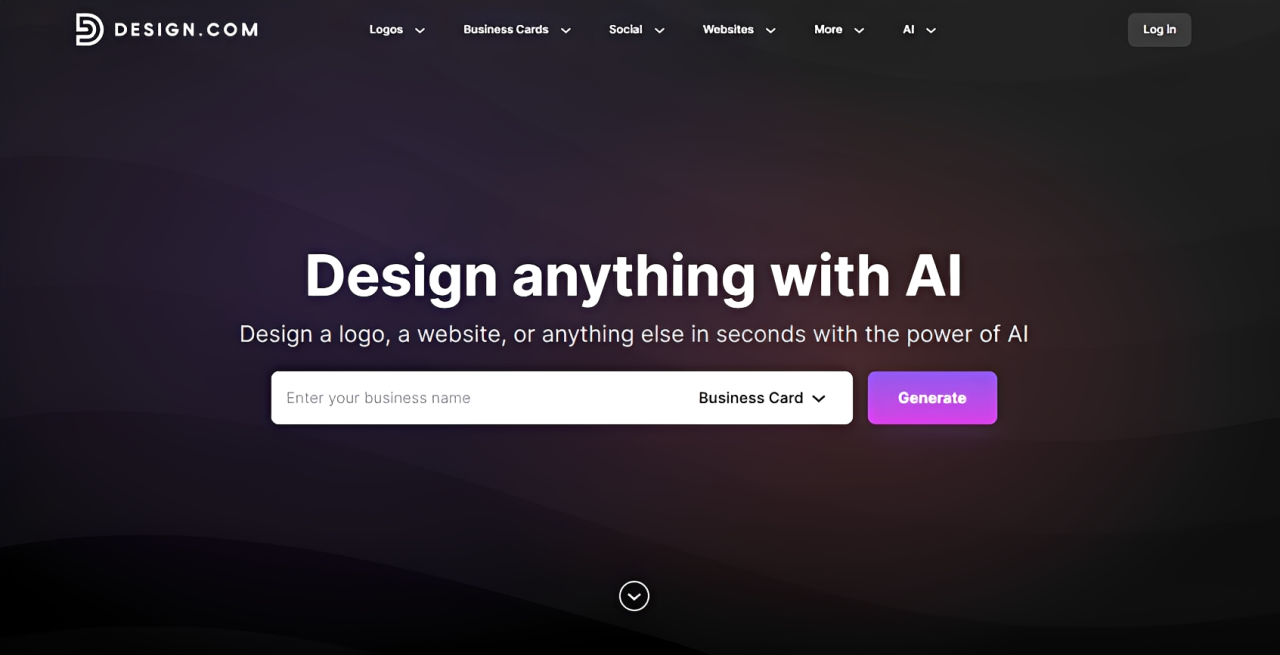
Out of every tool on this list, Design.com’s business card maker requires the least effort to produce something that actually looks good. Drop in your business name and a few words describing what you do, and within seconds, the AI puts together a collection of card designs built specifically around that information.
Not content with the first batch? Change up your keywords, and an entirely new set of results populates. Pick one that feels close to right, head into the editor, and finish it off however you like.
Building one card also opens the door to a whole lot more. Letterheads, social media graphics, and email signatures all pull from the same fonts, colors, and logo, so everything your business puts out looks as if it belongs together.
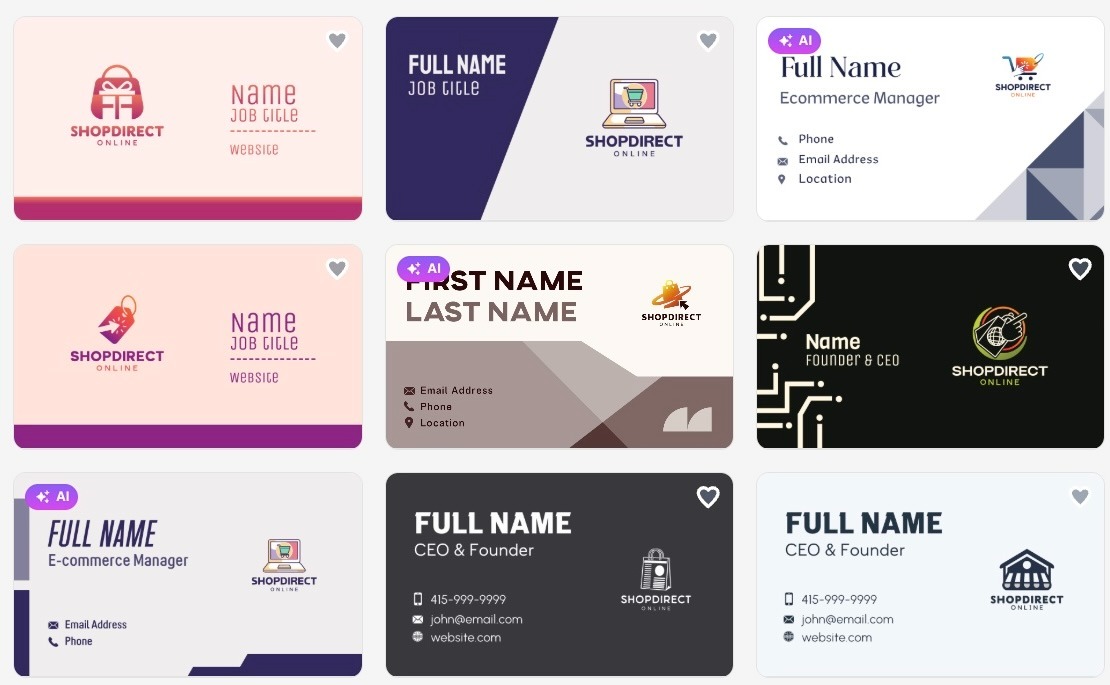
Scroll through Design.com’s template collection and notice how finished each option already looks before a single edit is made.
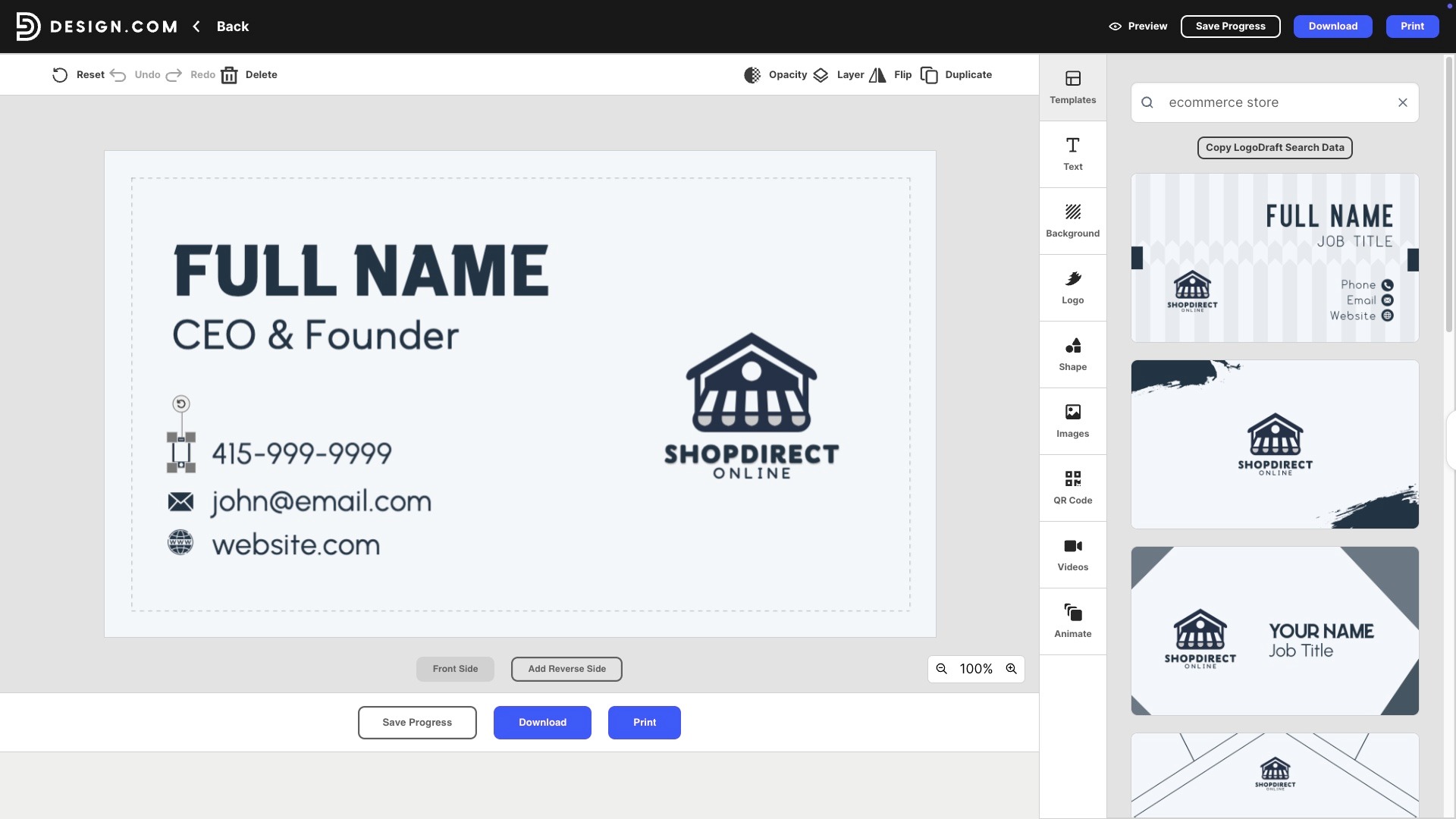
Notice how clean and intuitive the interface looks, making it a great choice for new entrepreneurs who are just getting started.
Why it’s the best:
- Designs carry a handcrafted quality that most free tools struggle to match. The range across different business types is broad enough that finding something relevant rarely takes long.
- 20,000 plus templates live on the platform, a number that dwarfs most alternatives, which rarely crack a thousand.
- Speed is a genuine strong point here. A design worth editing can be found in seconds and wrapped up in a matter of minutes.
- Granular control over fonts, colors, layouts, shadows, icon colors, and even QR code shapes means nothing has to stay at its default setting.
- More than 50 additional design tools sit alongside the card maker and none of them require opening a separate app.
Pricing:
- Templates, AI generation, and the editor are all accessible on the free plan without a card on file.
- New businesses ready to go further can upgrade to the premium plan at $5 a month on an annual billing cycle.
2. BrandCrowd
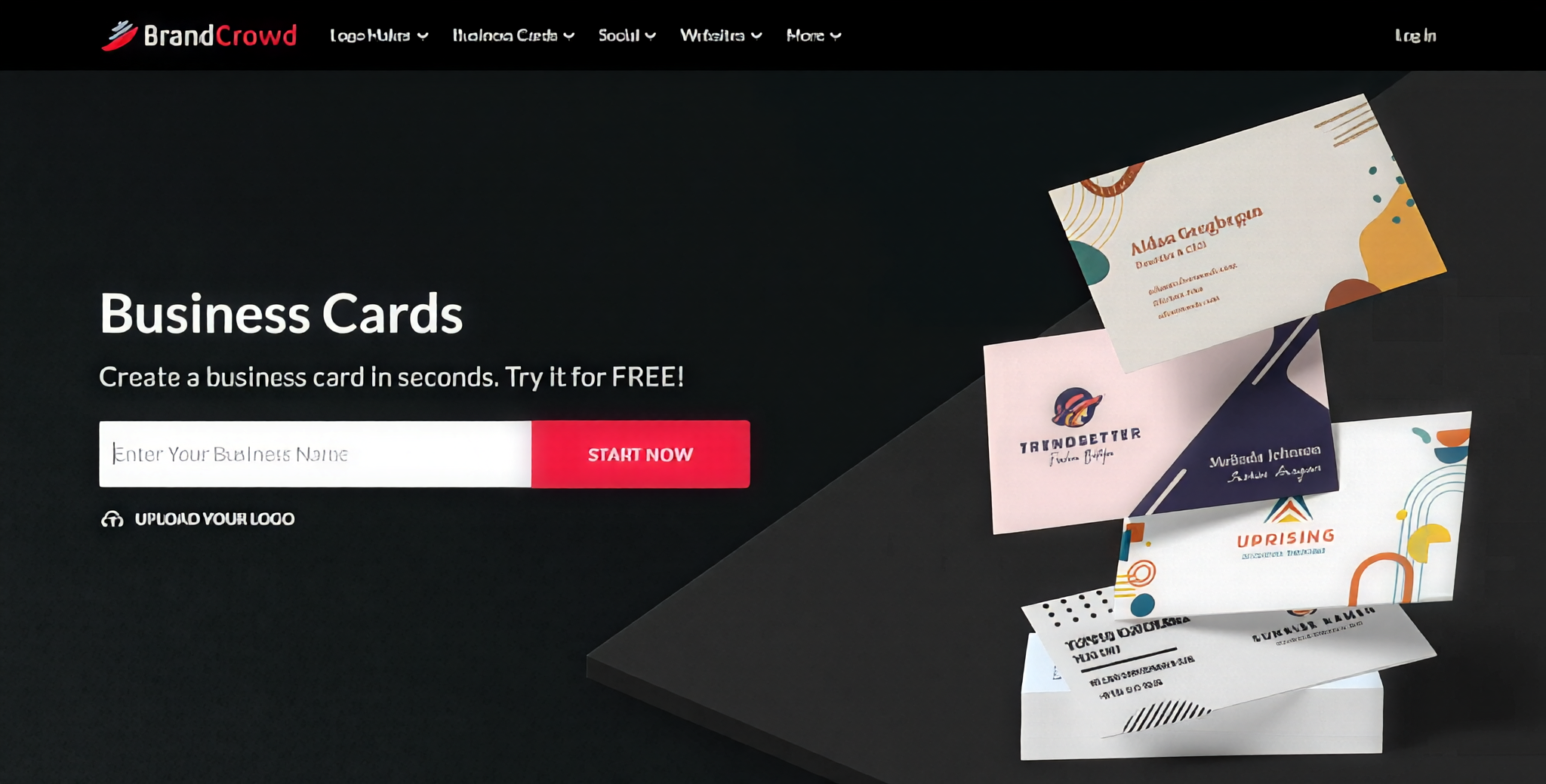
Most tools hand you a template and leave you to figure out the rest. BrandCrowd takes a different approach entirely. Business cards here are not treated as a one-off task as they are part of a broader picture that includes your logo, your social presence, and every other touchpoint your business has with the world.
The platform is built around keeping all of that looking like it belongs together, which for a new business still finding its footing visually, is exactly the kind of thinking that saves a lot of time and second-guessing down the line.
Why it’s the next best pick:
- Keyword-driven AI handles the generation side, pulling together options that actually reflect the nature of your business rather than generic placeholders.
- Thousands of professionally built templates are available on the free plan, and all of them are fully editable, not just locked previews.
- A library of over 750 fonts is on hand, including more than 525 typefaces you will not find anywhere else, which goes a long way toward making a card feel original.
- Over 62,000 vector shapes are available to work with, giving you an unusual level of creative flexibility for a free tool.
- One design session can produce a lot more than just a card. Social media graphics, letterheads, and email signatures can all be built from the same foundation.
- Downloads come in high-resolution PNG and JPG formats as well as vector files, including SVG, EPS, and PDF, covering pretty much any situation you might need them for.
- A royalty-free commercial license comes with everything you create, so full ownership of the work belongs to you.
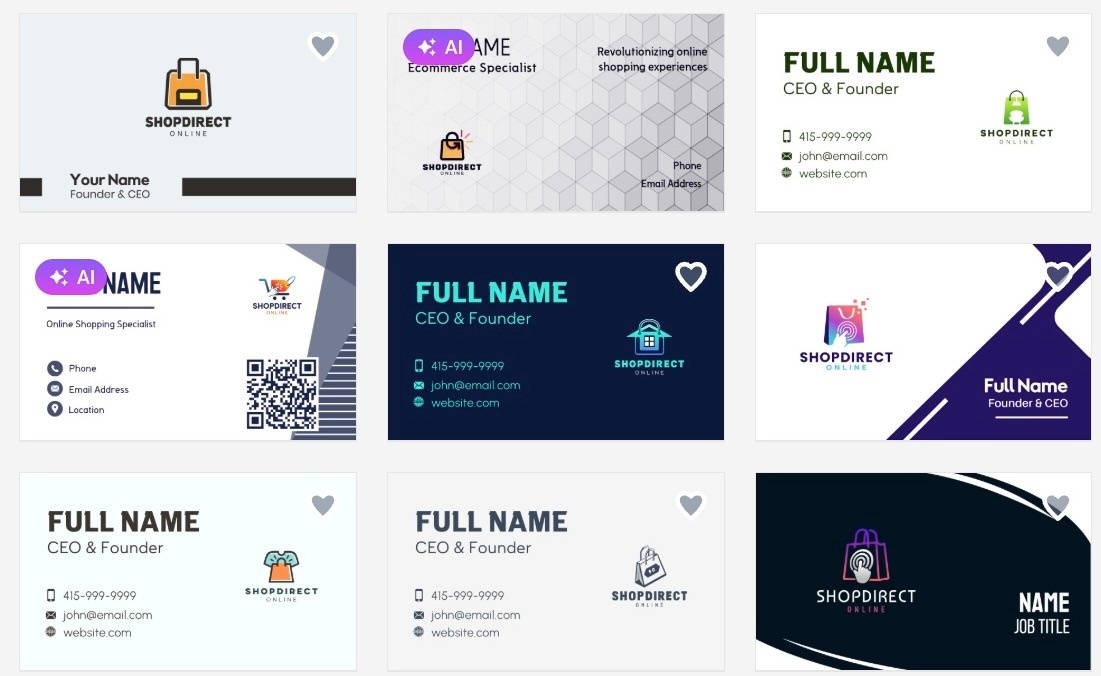
Take a closer look at how BrandCrowd carries your logo and brand colors seamlessly across the card designs, keeping everything looking intentional and cohesive.
Pricing
- Designing and editing cost nothing at all.
- For those ready to take things further, the premium plan is available at $5 per month, billed annually.
3. Adobe Express
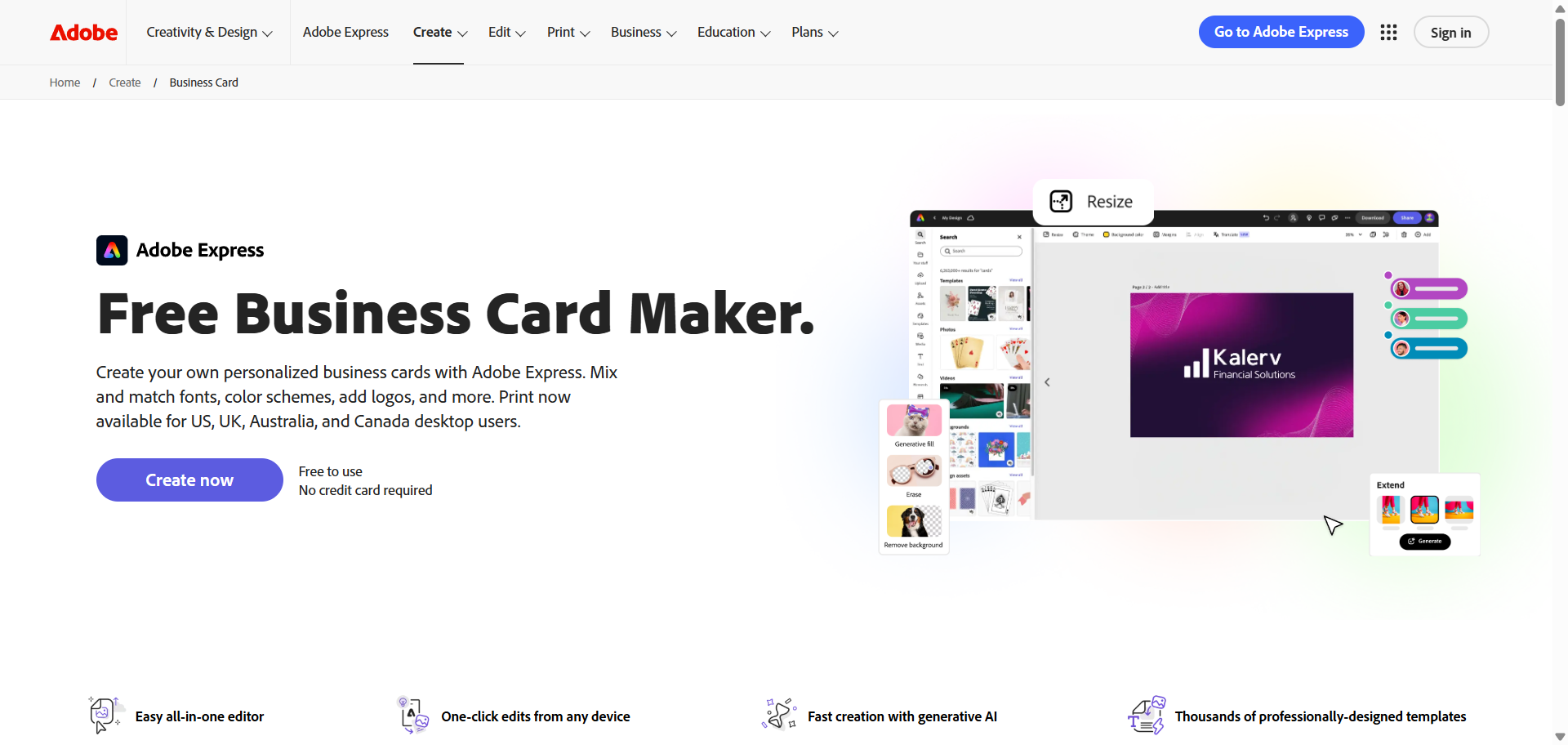
Adobe Express fits naturally into the workflow of anyone already using Adobe products. It pulls your existing assets, fonts, and color settings from other Adobe tools, which cuts out much of the setup work that other platforms require you to do from scratch. For a new business owner already in that ecosystem, it removes one more thing to figure out.
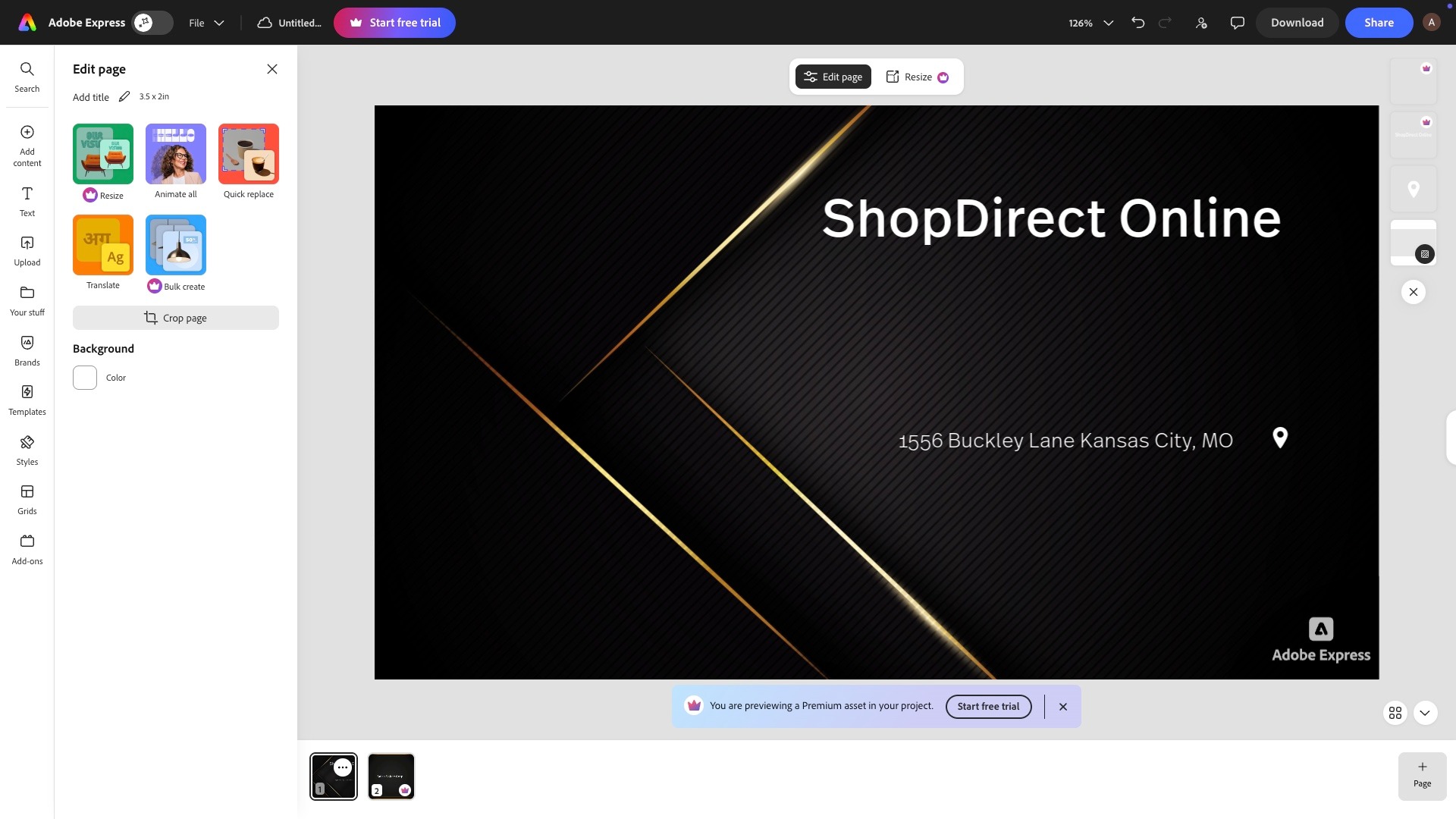
See the Adobe Express editor in action.
Why it’s on this list:
- Existing Adobe assets like logos, fonts, and colors carry over automatically, keeping everything consistent without extra effort.
- A clean, straightforward editor means less time figuring out the tool and more time actually working on the design.
- Templates lean toward minimal and corporate styles, which suit professional service businesses well.
- The free plan covers the basics without requiring an Adobe subscription to get started.
- Works across desktop and mobile, so the design process is not tied to one device.
Pricing
- A free plan is available with access to core features and templates.
- The premium tier comes in at $9.99 a month for those who need the full Adobe feature set.
4. Canva
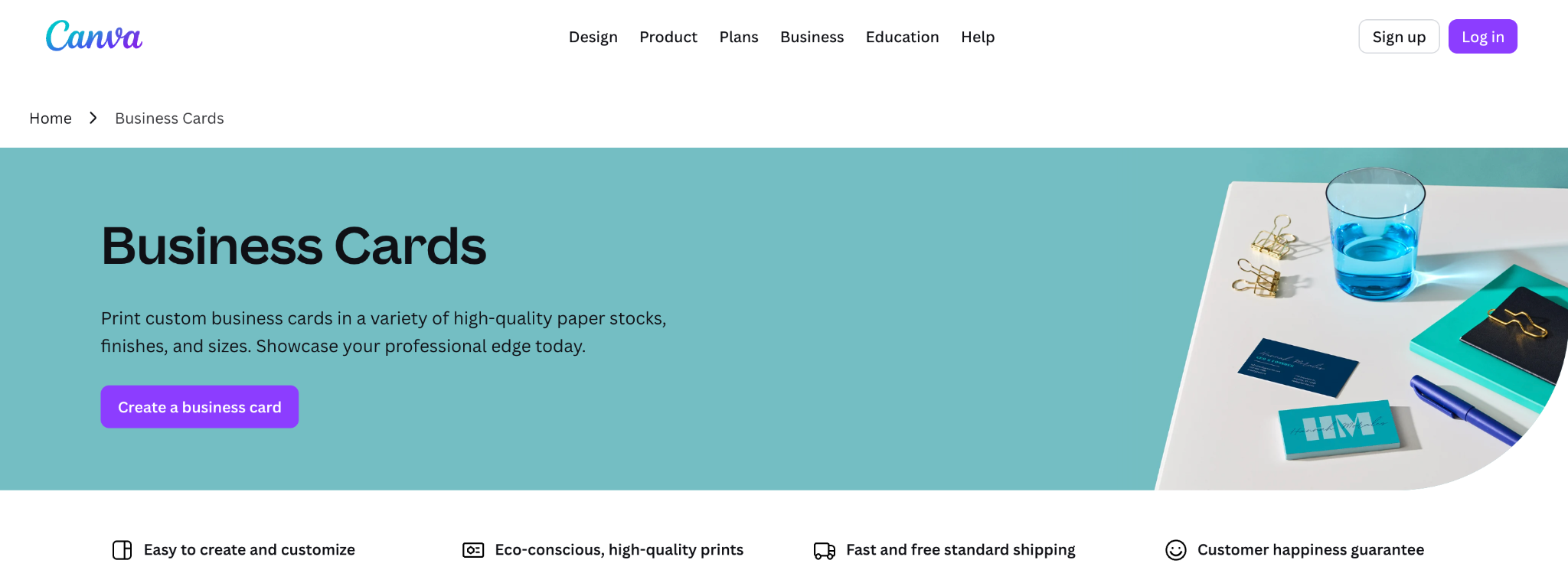
Canva is the tool most people land on first. The interface is about as straightforward as it gets, and the sheer volume of templates means there is something usable for almost any type of business. It is not the most powerful option on this list, but it gets the job done without much of a learning curve.
Here’s a look at the Canva template.
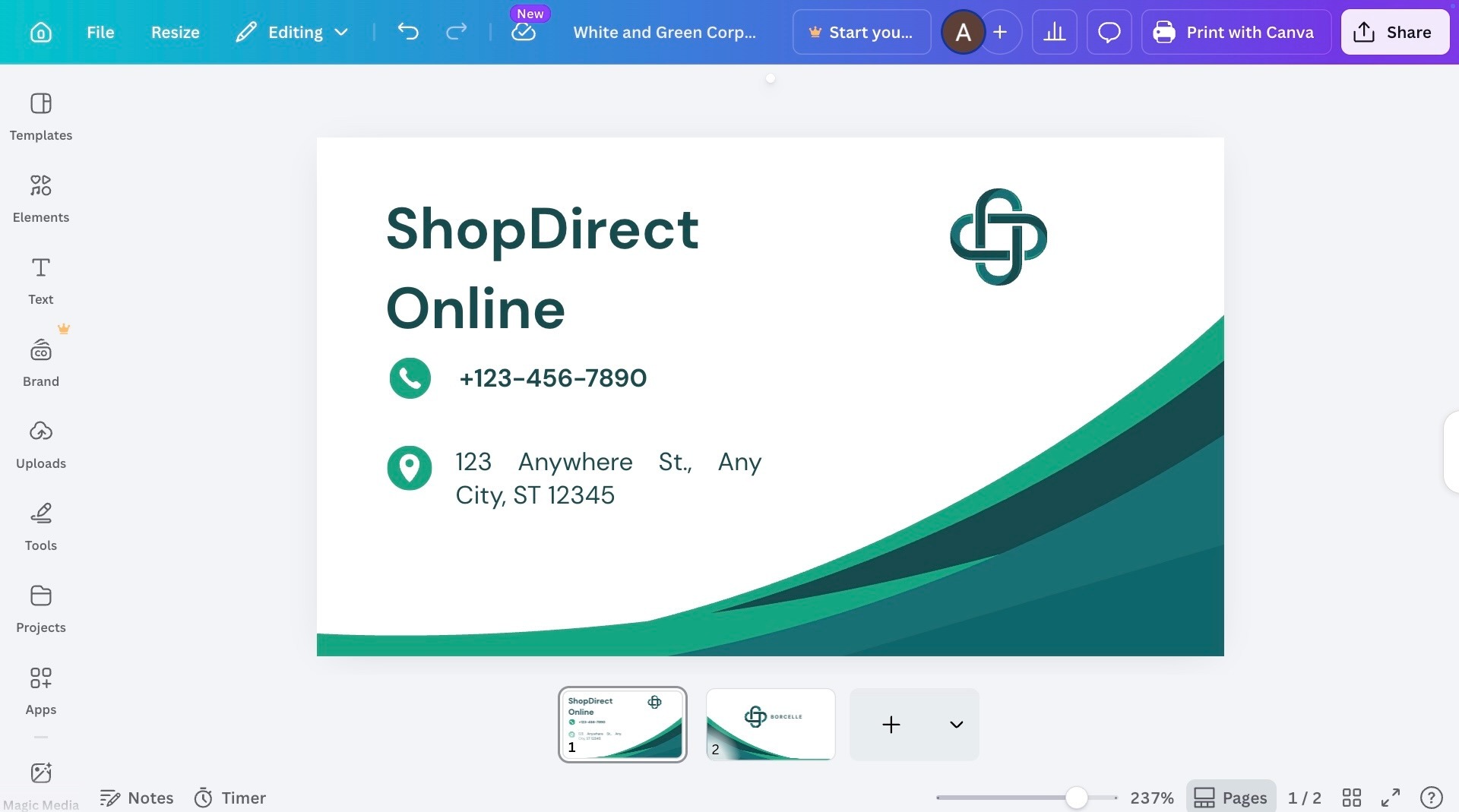
Why it’s on this list:
- Drag and drop editing keeps things simple enough for anyone to pick up without any prior design experience.
- The template library is large and covers a wide range of industries, styles, and formats.
- Brand colors and fonts can be saved and reused across different projects on the free plan.
- Physical printing is available through partner services directly from the platform.
- Works on desktop and mobile, with a dedicated app that mirrors the full editor fairly closely.
Pricing
- The free plan is genuinely usable and covers most of what a new business needs.
- Canva Pro is available at $14.99 a month for teams or businesses that need additional features and storage.
5. Visme
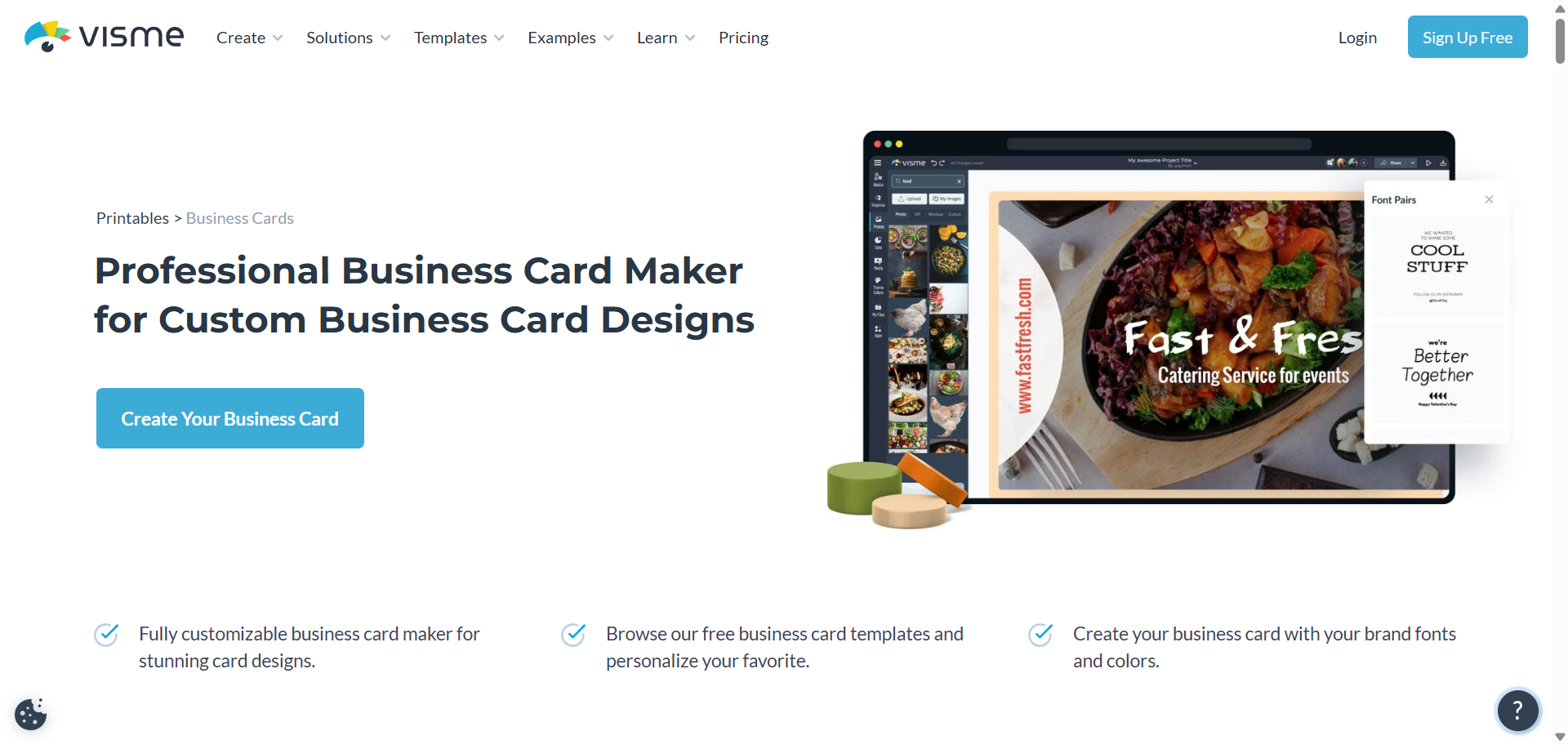
Visme gives users more control over the design process than most tools at this price point. The editor is more involved than a standard drag-and-drop experience, which means it takes a bit more time to work through but also allows for more precise results. It is better suited to someone with a clear idea of what they want rather than someone starting with no direction at all.
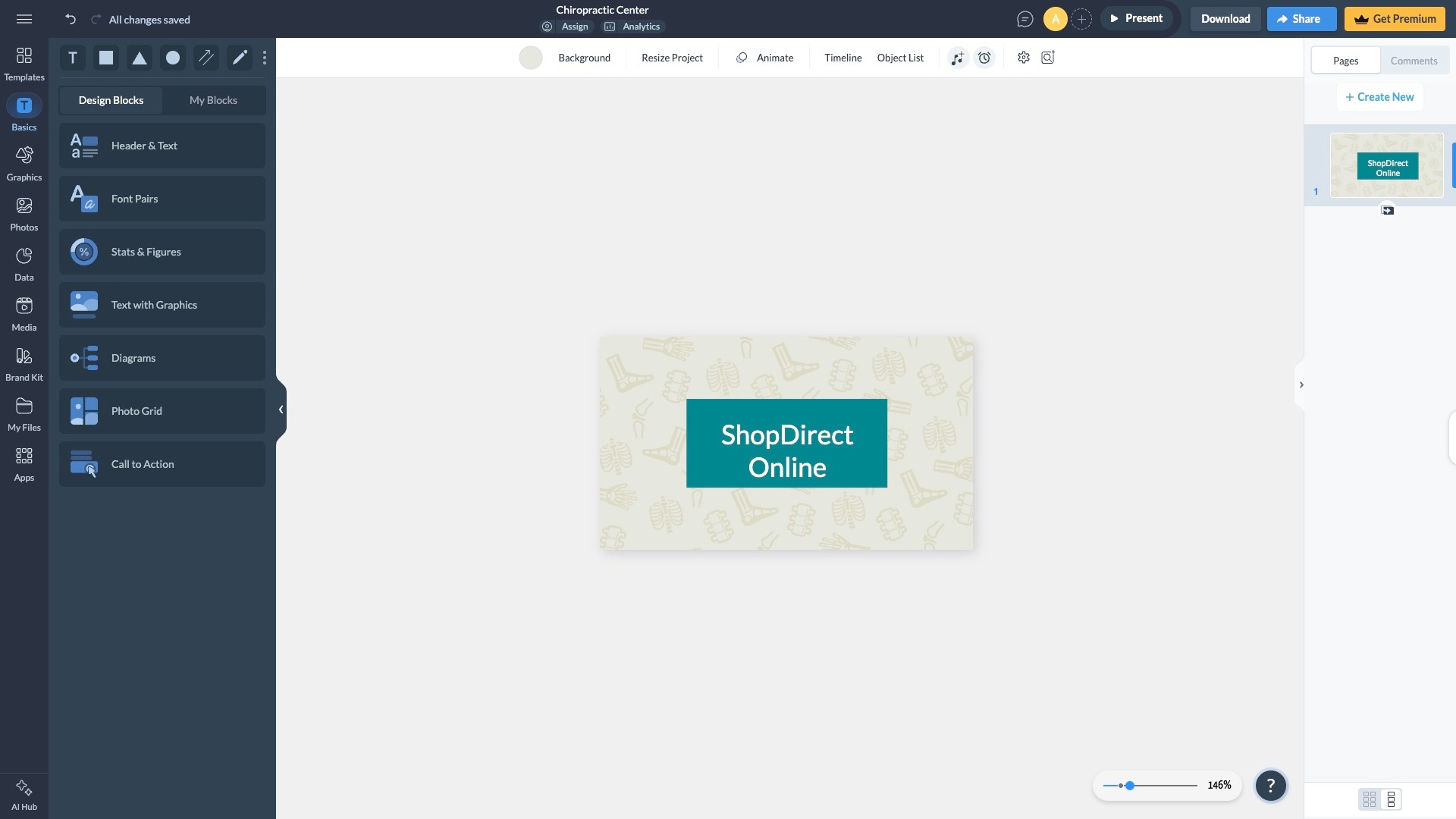
Take a look at the Visme editor and the range of controls available on the free plan.
Why it’s on this list:
- Typography and spacing controls go further than what most free card makers offer.
- Templates tend toward more distinct styles rather than broadly generic layouts.
- The platform includes tools for presentations, infographics, and branded documents beyond just business cards.
- Two people starting from the same template can end up with noticeably different results given the editing depth available.
Pricing
A free plan is available, but downloads include a watermark. Removing it starts at $12.25 a month on an annual plan.
Final Thoughts
A limited budget and no design background are not barriers to walking away with a business card that leaves an impression. The options available right now make it genuinely possible for anyone starting out to put together something that looks considered and professional without spending years learning how to do it.
Design.com sits at the top of this list for a reason, and for a new business owner trying to get everything off the ground at once, it is the most straightforward place to start. Getting a business card sorted has never been this accessible.
Was this news helpful?
 Yes, great stuff!
 I’m not sure
 No, doesn’t relate